Orca: Managing Multiple AI Coding Agents in One Workspace
Multiple AI coding assistants mean multiple rate limits, contexts, and terminals. Orca addresses the orchestration problem by giving each agent its own isolated git worktree while providing a unified dashboard to track API usage, swap accounts, and manage contexts without switching windows.
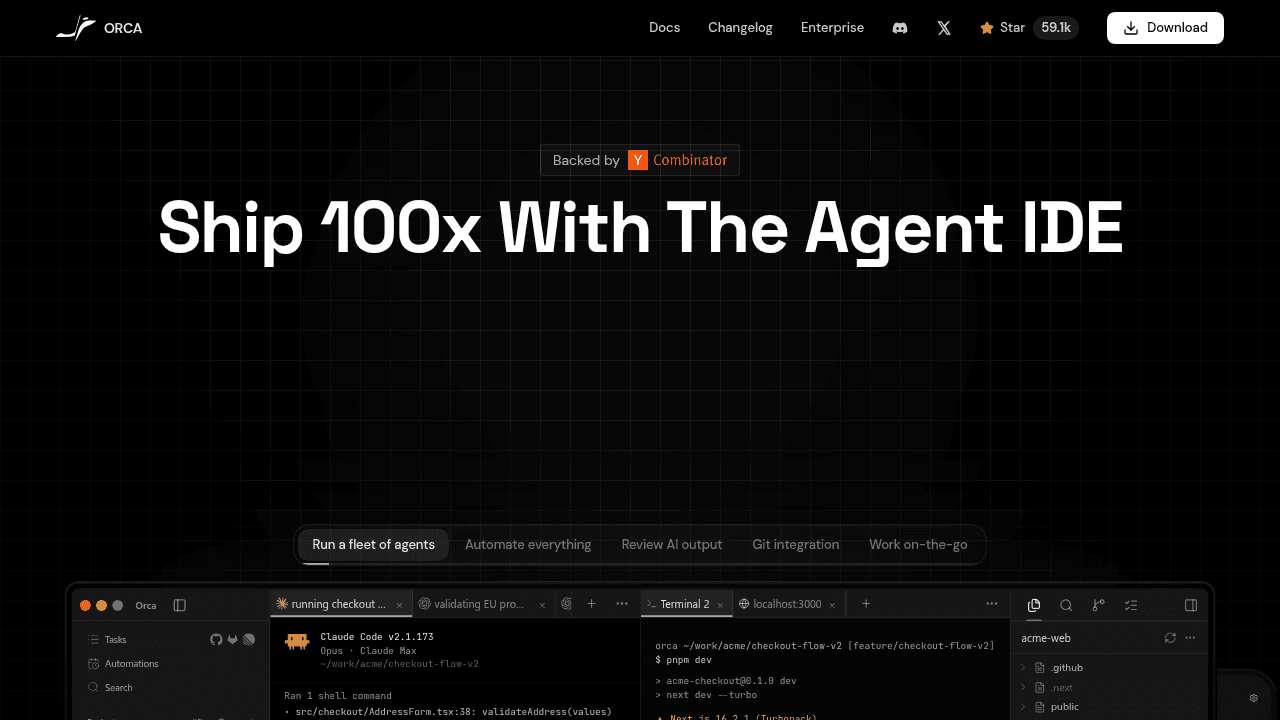
You've added Cursor to your workflow. Then Aider for terminal tasks. Then Claude for complex refactors. Now you're juggling three terminals, hitting rate limits mid-task, and losing track of which agent is working on what. The tools themselves work fine—the problem is that no one designed a system to run them together.
Orca treats this orchestration problem as a first-class concern. Each AI agent runs in its own isolated git worktree, while a unified dashboard tracks API usage, swaps accounts, and manages contexts without switching windows.
The New Problem: Too Many AI Assistants
AI coding assistants have become useful. Developers who adopted them early are now running into a second-order problem: the tools don't coordinate with each other. You start a refactor with Claude, hit your rate limit, switch to Codex in a different terminal, lose the context from the first agent, and spend the next hour manually reconciling the work.
A Reddit thread about Codex's 5-hour limit describes this workflow—developers using Orca to swap Codex accounts with one click and track Claude and Codex usage inside the editor. The pain is real enough that people are building workarounds.
Why Agent Orchestration Needed Its Own Solution
The multi-agent problem is different from single-assistant workflows. Each provider has its own rate limits, context windows, and authentication schemes. Running them side-by-side creates collisions: one agent burns through your API quota while another sits idle, contexts bleed together, and you're constantly switching terminals to check which agent is doing what.
The core issues are isolation (keeping agents from interfering with each other), visibility (knowing who's using what), and resource management (not hitting five rate limits at once). Single-assistant tools weren't built to handle this—they assume they're the only agent in the workspace.
How Orca's Worktree Architecture Works
Orca gives each agent its own git worktree—a separate working directory that shares the same repository history. One agent can experiment with a refactor in worktree-1 while another handles a bug fix in worktree-2, and the main branch stays clean. The dashboard shows which agents are active, tracks API usage across providers, and lets you swap accounts when you hit a rate limit.
In-editor monitoring means you see Claude's token count and Codex's remaining time without leaving your IDE. When one agent maxes out, you switch to another without losing context or manually reconciling git state. The architecture addresses isolation and coordination as design requirements, not afterthoughts.
The Orchestration Category Is Taking Shape
Orca isn't alone here. A developer review positions it alongside Claude Squad, Agent Deck, Paseo, and Agent of Empires, each taking different approaches to the same orchestration challenge. Some focus on terminal workflows, others on visual interfaces. One Hacker News comment explicitly frames Omnigent as competing in the same agent-IDE layer, where users bring tasks and the system handles orchestration.
The category is still being defined. Different teams are exploring different tradeoffs—desktop apps versus CLI tools, opinionated workflows versus flexible scripting. This is collaborative work on a problem that didn't exist two years ago.
Adoption Signals and Development Velocity
The project has shipped 942 releases, with new features going out daily. That pace suggests responsiveness to a fast-moving problem space—when the underlying tools (Claude, Codex, Cursor) change weekly, infrastructure has to keep up.
A GitHub issue notes that the relay server was overloaded with users, prompting the team to roll out a self-hosting option while scaling the main server. The scaling pain is a useful signal—enough people are hitting the orchestration problem that infrastructure became a bottleneck.
Who This Is For
This isn't for developers new to AI coding tools. It's for people already using multiple assistants who are hitting orchestration pain daily. If you're still experimenting with a single agent, you don't need this yet. If you're running three agents and spending more time managing them than writing code, this is the problem Orca was built to address.
The tool assumes familiarity with git worktrees, API rate limits, and multi-agent workflows. That's appropriate—the target user has already crossed the threshold where tool management became a problem worth solving.
stablyai/orca
Orca is the ADE for working with a fleet of parallel agents. Run any coding agent with your own subscription. Available on desktop, mobile and VPS.