Google Fixes Its Own Workspace API Fragmentation Problem
Google Workspace had hundreds of APIs but no coherent way to use them together. Developers juggled multiple client libraries, auth scopes, and boilerplate across Drive, Gmail, Docs, and Calendar. Google's new open-source CLI fixes this fragmentation with dynamic API discovery and AI agent integration.
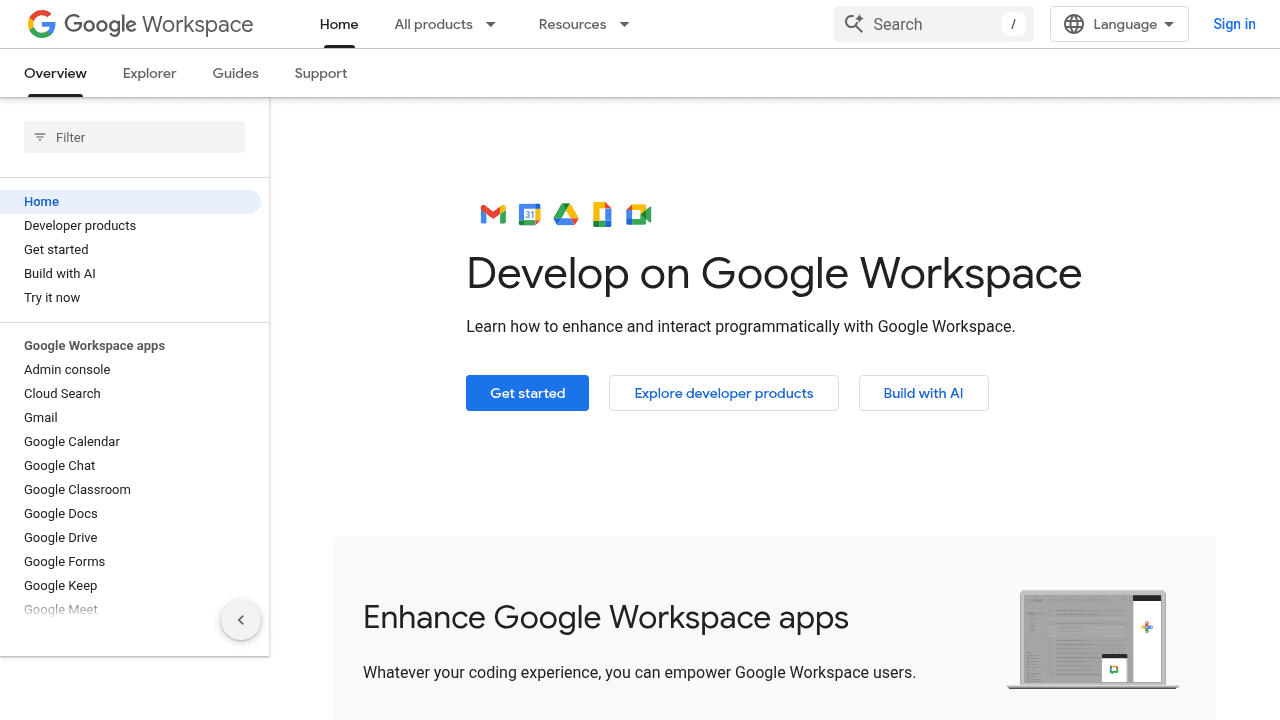
Google built hundreds of Workspace APIs over the years—Drive, Gmail, Docs, Calendar, Sheets—but left developers to figure out how to use them together. Each service required its own client library, separate authentication scopes, and custom boilerplate just to perform basic operations. Want to search Gmail, move a file in Drive, and update a Calendar event in the same script? Prepare to juggle three different setups.
The new open-source Workspace CLI addresses this fragmentation, and it comes from Google itself—a rare case of a platform vendor acknowledging developer pain in its own ecosystem.
The fragmentation problem Google created
Developers working across Workspace services faced a consistent pattern: each API felt like a separate product. Authentication flows didn't carry over cleanly. Client libraries for Python, Node, or Go had different conventions. Writing an automation that touched multiple services meant maintaining separate connection logic, managing different credential scopes, and writing glue code to tie everything together.
The problem extended beyond basic scripting. Building AI agents that could invoke Workspace capabilities required manually wrapping endpoints, translating actions into the low-level API calls each service expected. An agent trying to edit a Google Doc would face the raw batchUpdate endpoint—error-prone and token-inefficient for that use case.
Despite the platform's maturity and widespread adoption, no unified access layer existed. Developers either accepted the fragmentation or built their own wrappers.
How the CLI solves multi-API access
The Workspace CLI dynamically builds its interface from Google's Discovery Service—the same metadata system that powers Google's API Explorer. Rather than maintaining hardcoded client libraries for each service, the tool discovers available endpoints at runtime and generates a consistent command structure across all Workspace APIs.
A single authentication flow covers all services. Once authenticated, developers can chain operations across Drive, Gmail, Docs, and Calendar without switching contexts or managing separate credentials. The boilerplate disappears: no more initializing separate clients or tracking which auth scopes each operation requires.
Cross-service operations become straightforward. Search for emails matching a pattern, extract attachments, upload them to a specific Drive folder, and log the action in a Calendar event—all through a unified interface that handles the underlying API complexity.
Built for AI agents, not just humans
The CLI includes tool definitions for AI agent frameworks. Instead of forcing agents to construct raw API calls with deeply nested JSON structures, it exposes operations as discrete tools. An agent can discover available Workspace capabilities programmatically and invoke them through defined interfaces.
This addresses a specific problem in agent-based automation: token efficiency. When agents work with raw APIs, they consume tokens constructing complex payloads and parsing verbose responses. The CLI's abstractions reduce that overhead, presenting operations in terms agents can reason about more efficiently.
For developers building agents that need Workspace access, this eliminates the custom wrapper layer they'd otherwise have to maintain.
GAM vs. googleworkspace-cli: Different audiences
The Workspace CLI isn't the first command-line tool for Google's platform. GAM has served Workspace administrators for years, providing management commands for user accounts, organizational units, group policies, and other admin-focused operations.
The two tools address different needs. GAM targets IT administrators managing Workspace deployments at scale—provisioning users, configuring security policies, auditing access. The Workspace CLI serves developers building integrations, automations, and AI agents that interact with Workspace data and services.
Both fill legitimate gaps. Admins running GAM scripts for user management aren't the same audience writing Python integrations that span Gmail, Drive, and Calendar APIs.
Why this matters from Google
Platform vendors rarely acknowledge fragmentation in their own systems this directly. The Workspace CLI represents Google recognizing that its API structure created friction for developers and choosing to fix it—not through better documentation or more tutorials, but by shipping a unifying layer as open source.
The momentum validates the need. The repository gained 19.9k stars in weeks, and Arch Linux has already packaged it for its distribution. Developers aren't just watching the project—they're adopting it.
For teams building on Workspace APIs, the CLI removes a category of integration complexity that's persisted for years. That it comes from Google itself, addressing problems the platform created, makes it worth noting.
googleworkspace/cli
Google Workspace CLI — one command-line tool for Drive, Gmail, Calendar, Sheets, Docs, Chat, Admin, and more. Dynamically built from Google Discovery Service. Includes AI agent skills.