Google's Terminal-First AI Agent Hit 86K Stars
Google open-sourced Gemini CLI as a terminal-native alternative to IDE-locked AI coding tools, betting that platform engineers want scriptable, CI-ready agents over GUI integrations. The tool's momentum—86K stars, GitHub Action support, and Apache 2.0 license—signals a new front in the AI coding wars, even as critics question model quality and autonomy.
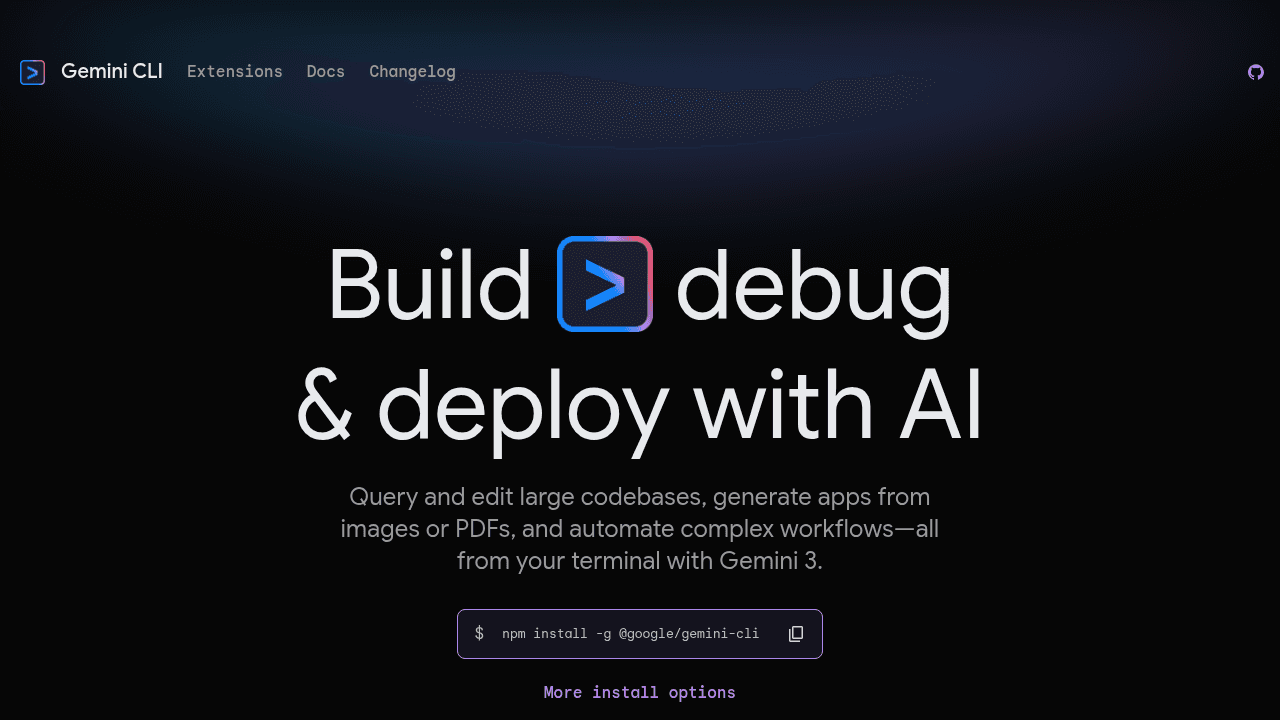
The IDE isn't the only place developers want their AI to live. Google's Gemini CLI just open-sourced a different bet: that platform engineers, DevOps teams, and anyone who spends their day in a shell want an AI coding agent that can run in scripts, containers, and CI runners—not just inside an editor.
Released under Apache 2.0 and distributed via npm and Homebrew, Gemini CLI brings Gemini 2.5 Pro's million-token context window into the terminal. The traction is real: hundreds of public repositories list it as a dependency, and Google shipped a first-party GitHub Action (run-gemini-cli) for wiring the agent into pull request reviews and issue triage. This is Google's move in the 2025 AI coding agent wars, aimed at workflows where Cursor and Copilot's GUI-first approach doesn't fit.
Why Google Built an AI Agent for the Terminal
Remote servers don't have VS Code. CI runners don't open editors. And plenty of backend engineers prefer composable, scriptable tools over IDE lock-in. Gemini CLI targets these workflows: OAuth login, Gemini API keys, and Vertex AI credentials work in the shell. Built-in tools for filesystem access, shell commands, web fetching, and Google Search grounding eliminate the glue scripts developers otherwise write to connect AI assistants to their workflows.
The tool also addresses context persistence with checkpointing and project-specific context files (GEMINI.md), letting teams save instructions and session state across runs. For platform engineers managing infrastructure repos or automating refactors at scale, that persistence matters more than inline autocomplete.
86K Stars and a GitHub Action: The Traction Behind Gemini CLI
The repo carries hundreds of "Used by" references on GitHub, weekly stable releases, and an active TypeScript codebase with community contributions. Google's own teams documented using the CLI for automated issue triage and pull request reviews—workflows that run in CI, not in an editor.
The GitHub Action integration is the sharpest signal. By shipping run-gemini-cli as a maintained Action, Google made it trivial to drop the agent into existing CI pipelines for code maintenance, automated refactors, and PR feedback loops. That's a play for DevOps engineers who want AI where their deployments already live: in scripts, containers, and runners.
What Makes It Different: Million-Token Context, MCP, and GEMINI.md
Gemini 2.5 Pro's million-token context window lets the CLI hold entire repositories in memory—a technical differentiator when smaller-context tools can't reason across large codebases. The tool supports MCP server extensibility, letting teams wire in custom tools and data sources. And the GEMINI.md context file provides a shared configuration layer that works across Google's tooling, from the CLI to certain editor integrations.
This is a different approach than Cursor's GUI-first design. Gemini CLI bets on scriptability and composability over polish.
The Rough Edges: Failed Replace Loops and Model Quality Skepticism
The controversies are real. GitHub Discussions include complaints about "failed replace loops"—the agent repeatedly attempting edits without converging, burning tokens and API quota. Some users question whether the CLI actually runs the advertised Gemini 2.5 Pro model, citing poor output quality. Others report excessive logging, confusion around MCP server support, and privacy concerns about telemetry and data usage.
Comparisons to Claude Code often note differences in handling multi-step refactors. And Google's fragmented UX—CLI, Code Assist, Vertex, web app—feels less cohesive than single-surface competitors. These aren't dealbreakers, but they're growing pains of a new category still finding its footing.
Terminal vs. IDE: Where AI Coding Agents Will Actually Win
The question isn't whether Gemini CLI is "better" than Cursor or Copilot. It's whether the terminal is the real battleground for DevOps and platform engineering workflows—or just Google's flanking move while Microsoft owns the editor. For teams that live in shells, write infrastructure as code, and run AI in CI, a terminal-native agent with Apache 2.0 licensing and GitHub Action support solves problems GUI tools don't address.
For everyone else, the IDE might still be home. The answer depends on where your stack lives—and which approach matches how you want to code in 2026.
google-gemini/gemini-cli
An open-source AI agent that brings the power of Gemini directly into your terminal.