AionUi Unifies Gemini, Claude & AI CLIs Into One GUI
Proprietary AI assistants cost $20-40/month and trap you in single ecosystems. AionUi takes a different path: unifying Gemini CLI, Claude Code, Codex, Goose, and other command-line AI tools into one free, cross-platform desktop workspace. Developers get persistent AI teammates without vendor lock-in or terminal juggling.
You're running Gemini CLI in one terminal. Claude Code in another. Goose CLI spins up in a third iTerm tab. Your chat history lives in scattered scrollback buffers, API keys float across config files, and switching contexts means remembering which shell you opened six hours ago.
AionUi takes a different approach: unify them all in one desktop workspace.
The CLI Fragmentation Problem
Developers use multiple AI coding assistants—Claude for reasoning, Gemini for speed, Ollama for local models. Each ships as a separate CLI. That means juggling terminals, restarting sessions when you close a window, and losing conversation threads the moment you Ctrl-C. The project's maintainers describe it as solving the pain of managing many CLI AI agents by unifying them into one desktop-focused workspace with a GUI, saved sessions, and local-first security instead of a patchwork of shells and shared API keys.
The problem isn't that command-line tools are bad—many developers prefer them. The problem is that no single interface persists state, orchestrates file operations, or lets you switch models mid-conversation without re-authenticating.
What AionUi Does
AionUi is a cross-platform desktop app (Windows, macOS, Linux) built to turn command-line tools like Gemini CLI, Claude Code, Codex, Qwen Code, Goose CLI, and Auggie into a unified GUI workspace so users don't toggle between terminals. Think of it as a hub: you select an agent, start a session, and the app handles the underlying CLI invocation while giving you persistent chat history, file previews, and multi-agent orchestration.
The v1.7.1 release marks the project's transition into the "Cowork" era—reframing the app from a chatbox into a digital teammate with file operations and multi-step planning. Instead of copying code snippets out of terminal output, the AI can read, write, and modify files directly in the workspace. You ask it to refactor a module; it proposes changes in a diff view.
Local-First, Cross-Platform, Free
Proprietary tools like Cursor and GitHub Copilot deliver polished, single-vendor experiences with excellent onboarding and support. They're optimized for teams that want one tool to do everything well. AionUi competes by offering a free, local, open-source environment with no subscriptions and no macOS lock-in.
Where Cursor costs $20–40/month and ties you to its backend, AionUi runs entirely on your machine with your own API keys. A podcast on the project highlights that it breaks the macOS-only and subscription barrier by being cross-platform, free, and integrating multiple models—Gemini, Claude, OpenAI, Ollama—in one GUI. You're not locked to a single provider. If OpenAI's API goes down, you switch to Gemini without changing tools.
Rapid Iteration
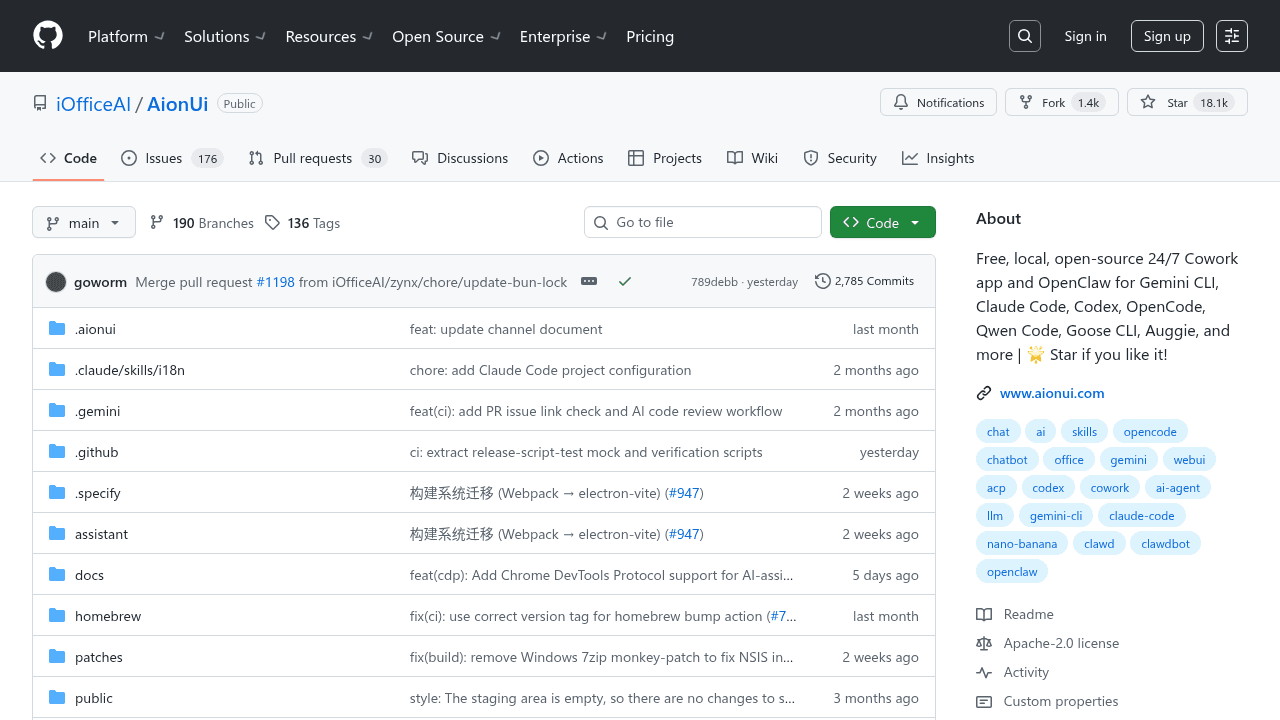
AionUi's GitHub repository shows 46 releases up to v1.8.1 and over 12.3k stars. That's an average of two releases per week since launch—bug fixes, feature additions, and platform compatibility updates arriving in quick succession. Multiple coverage pieces note appearances on GitHub Trending, a signal that developers are paying attention.
With 15+ open issues including Windows compatibility quirks, the project is actively working through growing pains—typical for a repo growing this fast. The maintainers haven't promised enterprise support or guaranteed uptime. What they've delivered is consistent momentum and responsiveness to user feedback.
Multi-Model Support
The LLM configuration wiki documents support for Gemini, OpenAI, ModelScope, OpenRouter, and custom OpenAI-compatible backends, with options like multi-key rotation, image generation, and tool calling. You can wire up a local Ollama instance for privacy-sensitive work, then switch to Claude for complex reasoning—all without leaving the app or re-configuring authentication.
This flexibility matters for teams that want to experiment with models or avoid vendor dependency. If your primary provider changes pricing or deprecates an API, you're not stuck rewriting integrations.
Who This Is For
AionUi fits developers already using multiple AI tools who want persistent sessions and local control. It's well-suited for privacy-conscious teams, budget-constrained projects, and open-source advocates who value interoperability over polish.
It's not ideal for teams needing enterprise SLAs, users wanting zero configuration, or non-technical collaborators who expect Notion-like onboarding. The setup assumes you're comfortable managing API keys and troubleshooting CLI tools.
The Interoperability Bet
Proprietary tools optimize for a single-vendor experience. AionUi bets that some developers want control, composability, and freedom to switch models. Neither approach is inherently better—they solve different problems for different users.
The maintainers are building the interoperability layer that larger platforms have little incentive to create. The community response suggests there's real demand for it.
iOfficeAI/AionUi
Free, local, open-source 24/7 Cowork app for OpenClaw, Hermes Agent, Claude Code, Codex, OpenCode, Gemini CLI and 20+ more CLI | Customize your assistants | Star if you like it!