Teaching AI Agents Design Taste: The emilkowalski/skills Story
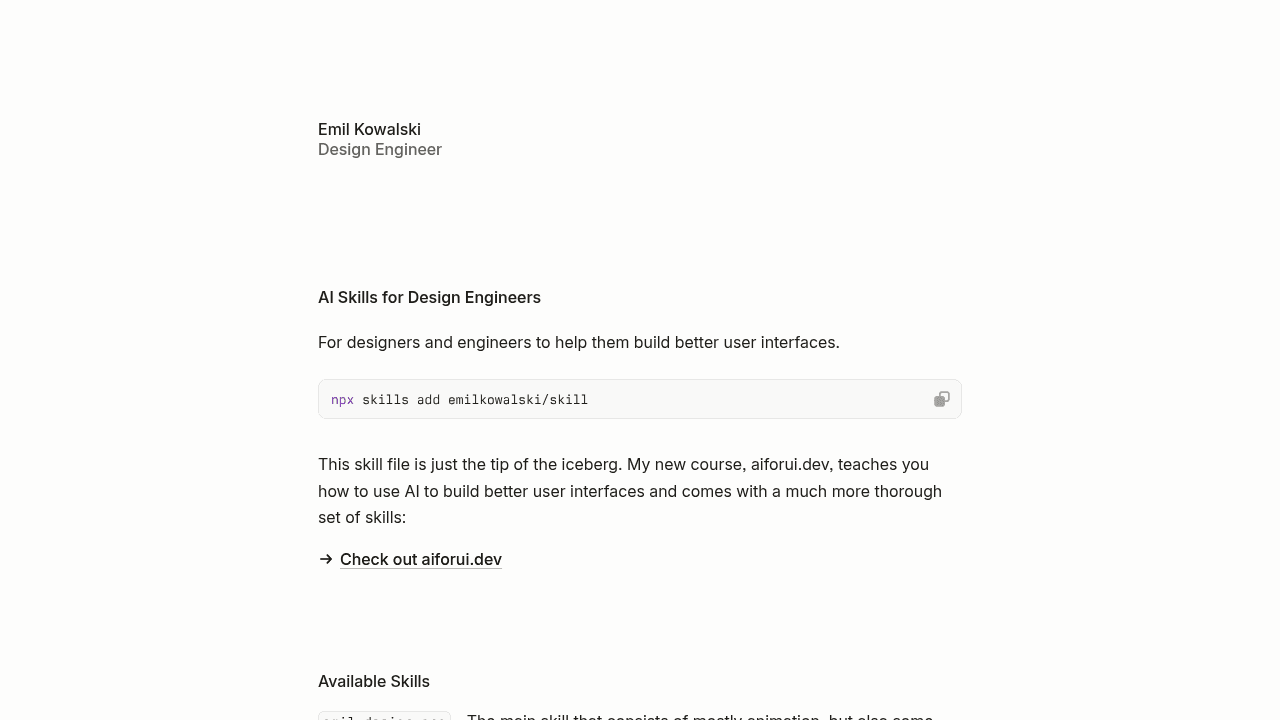
AI coding agents excel at functional UI code but consistently make poor design choices—ease-in animations for entrances, solid borders instead of subtle shadows. Emil Kowalski's skills repository addresses this gap with design guidelines that teach agents aesthetic judgment, gaining 8,000 GitHub stars in one week despite early growing pains with factual errors and file length limits.
Your AI coding agent writes a perfect modal component in three seconds. The TypeScript is clean, the logic is flawless, and the UI renders exactly where you asked. Then you notice the entrance animation: ease-in, the timing curve that makes elements feel like they're struggling uphill. No designer would choose that.
The Gap Between Functional and Beautiful
This is the problem Emil Kowalski set out to solve. Coding agents like Claude, Cursor, and GitHub Copilot excel at generating working UI code, but they consistently make poor micro-interaction choices—ease-in for enter animations when ease-out feels natural, solid borders everywhere instead of semi-transparent shadows that create depth without weight. The code functions. The aesthetics fall flat.
The gap isn't about AI capability—it's about design judgment that lives in a designer's intuition, not in training data. Agents don't lack the ability to implement smooth animations; they lack guidelines on which animations communicate the right intent.
Skills as Design System for Agents
The emilkowalski/skills repository works within the Agent Skills standard, a format that lets developers provide specialized knowledge to coding agents. Where Anthropic's official skills repository covers general patterns and other implementations like Cursor and GitHub Copilot focus on code architecture, this repository teaches taste.
The skills files contain guidance: when to use spring physics versus easing curves, how shadow intensity should decrease with elevation, why entrance animations should accelerate while exit animations decelerate. When an agent references these skills during code generation, the output shifts from functional to polished. A Hacker News commenter described the results as improved when prompts became more specific about design intent.
8,000 Stars and Growing Pains
The repository gained 8,000 GitHub stars in one week during July 2025, suggesting this fills a real need. Rapid adoption exposed some rough edges. A GitHub issue documented four factual errors in the ask-sonner and emil-design-eng skills, including a nonexistent Sonner API call and incorrect type defaults. Another issue noted that the emil-design-eng SKILL.md runs 671 lines, exceeding Anthropic's recommended 500-line limit for optimal agent processing.
These are typical growing pains for an open-source project scaling faster than expected. The issues remain open with active discussion. For a tool addressing design polish, the need for polish itself is unsurprising at this stage.
Real Usage in the Wild
Developers aren't just starring the repository; they're integrating it into workflows. One team used the skills across multiple sessions while building a Next.js 16 progressive web app. A SwiftUI developer experimented with the approach to create animation skills for iOS development, adapting the concept beyond its original web focus.
The adoption pattern suggests this solves a real problem. Frontend developers working with AI agents care about the quality of generated interfaces, and they're willing to invest setup time if it prevents endless post-generation tweaks to borders and timing curves.
Where This Fits in the Agent Toolchain
This repository doesn't replace human designers—it prevents the most common aesthetic mistakes before a designer ever sees the output. Think of it as design linting for AI-generated code. Where linters catch syntax errors, these skills catch animation choices that work but feel wrong.
For teams using AI coding agents and shipping the results to production, the value is clear: agents that understand why ease-out feels better than ease-in, without requiring a designer to review every component. The limitations are equally clear: 671-line files, factual errors awaiting fixes, and a structure still evolving. For a project this young moving this fast, that's what you'd expect.