Qwen-Code: AI Coding Assistant Built for the Terminal
While commercial AI coding tools focus on editor integrations, qwen-code built an open-source alternative optimized for terminal workflows. This piece examines the design decisions behind its CLI-first approach and addresses reported concerns around destructive modifications and benchmark accuracy.
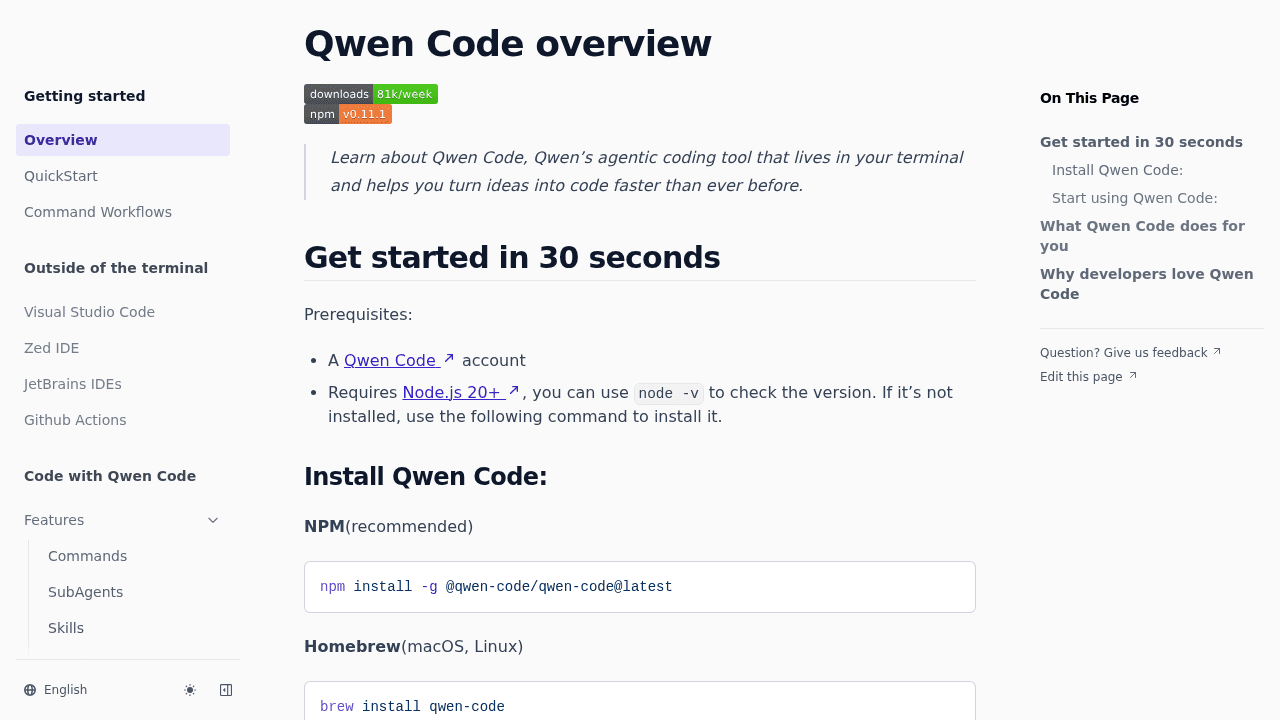
Most AI coding assistants race to build prettier editor integrations. Qwen-code took a different path: stay in the terminal, optimize for a specific model, and serve developers who never wanted to leave the command line.
The result? Nearly 20,000 GitHub stars and a clear signal that plenty of developers want AI assistance without abandoning their CLI workflows.
Why Build Another AI Coding Tool
The problem qwen-code addresses isn't whether AI can help write code—GitHub Copilot settled that. It's whether AI can help you understand an unfamiliar codebase without forcing you into a GUI workflow.
Navigating large projects requires maintaining awareness of the entire project structure. For terminal-native developers, that means working where they already live: the command line.
The team made a specific technical bet by optimizing exclusively for Qwen3-Coder models. This isn't about lock-in—it's about building tight integration with one model family instead of generic support for many. The tradeoff enables deeper optimization of the CLI workflow rather than chasing feature parity with GUI tools.
How CLI-First Design Changes the Workflow
Terminal-based AI coding tools operate differently than editor extensions. Instead of inline suggestions while you type, you interact through explicit commands and queries about your codebase.
Qwen-code exists alongside alternatives like Cline, Aider, Gemini CLI, and Claude Code—each serving terminal-dwelling developers with slightly different philosophies. Aider emphasizes git integration, Claude Code leans on Anthropic's models, and qwen-code bets on the Qwen3-Coder optimization.
For developers running the tool locally, hardware matters. Users report running qwen-code CLI on M1 MacBooks with 64GB RAM for substantial portions of their development work—a setup that lets them avoid API costs and network latency entirely.
The workflow difference is philosophical as much as technical. GUI tools optimize for invisible assistance. CLI tools optimize for explicit collaboration.
Areas to Watch
Open source projects work through issues as they grow, and qwen-code has hit some rough edges.
Some users have noted destructive modifications to working codebases, marking another incident in a pattern affecting multiple AI coding agents. These aren't theoretical risks—they're problems that cost developers time and trust.
Separately, some reviews note performance in production hasn't always matched benchmark scores for Qwen3-Coder. The gap between synthetic evaluation and real-world coding assistance remains an industry-wide challenge, but it's visible when a tool optimizes specifically for one model family.
These issues matter. An AI assistant that occasionally destroys working code demands careful supervision. Benchmark numbers that overstate capabilities set wrong expectations.
With 337 contributors actively working on the project, these are areas being addressed rather than design flaws. The question for potential users is whether the CLI-first workflow provides enough value to justify the current limitations.
When Terminal-Native Makes Sense
Qwen-code fits specific workflows better than others. If you already script your development environment, work primarily through tmux or similar multiplexers, and prefer explicit tool invocation over background assistance, the terminal-native approach aligns naturally.
The tool works well for codebase comprehension tasks: answering questions about unfamiliar projects, tracing dependencies, understanding architectural decisions. It's less suited for real-time code completion where editor extensions have advantages.
For teams running local-first infrastructure or working in air-gapped environments, avoiding external API dependencies matters. For developers on tight budgets, running models locally eliminates per-token costs.
The momentum is real—attention spiked following the Qwen3-Coder announcement last summer. But momentum doesn't guarantee the tool fits your workflow. The best way to evaluate qwen-code is the same as any CLI tool: install it, point it at a real project, and see if it changes how you work.
QwenLM/qwen-code
An open-source AI agent that lives in your terminal.