Puter: The Open-Source OS Built to Challenge Cloud Giants
Puter is a full browser-based operating system—not just file storage, but a complete desktop environment with apps. Built with vanilla JavaScript by a small team, it offers a privacy-first, self-hostable alternative to Dropbox and Google Drive for developers who value open-source infrastructure.
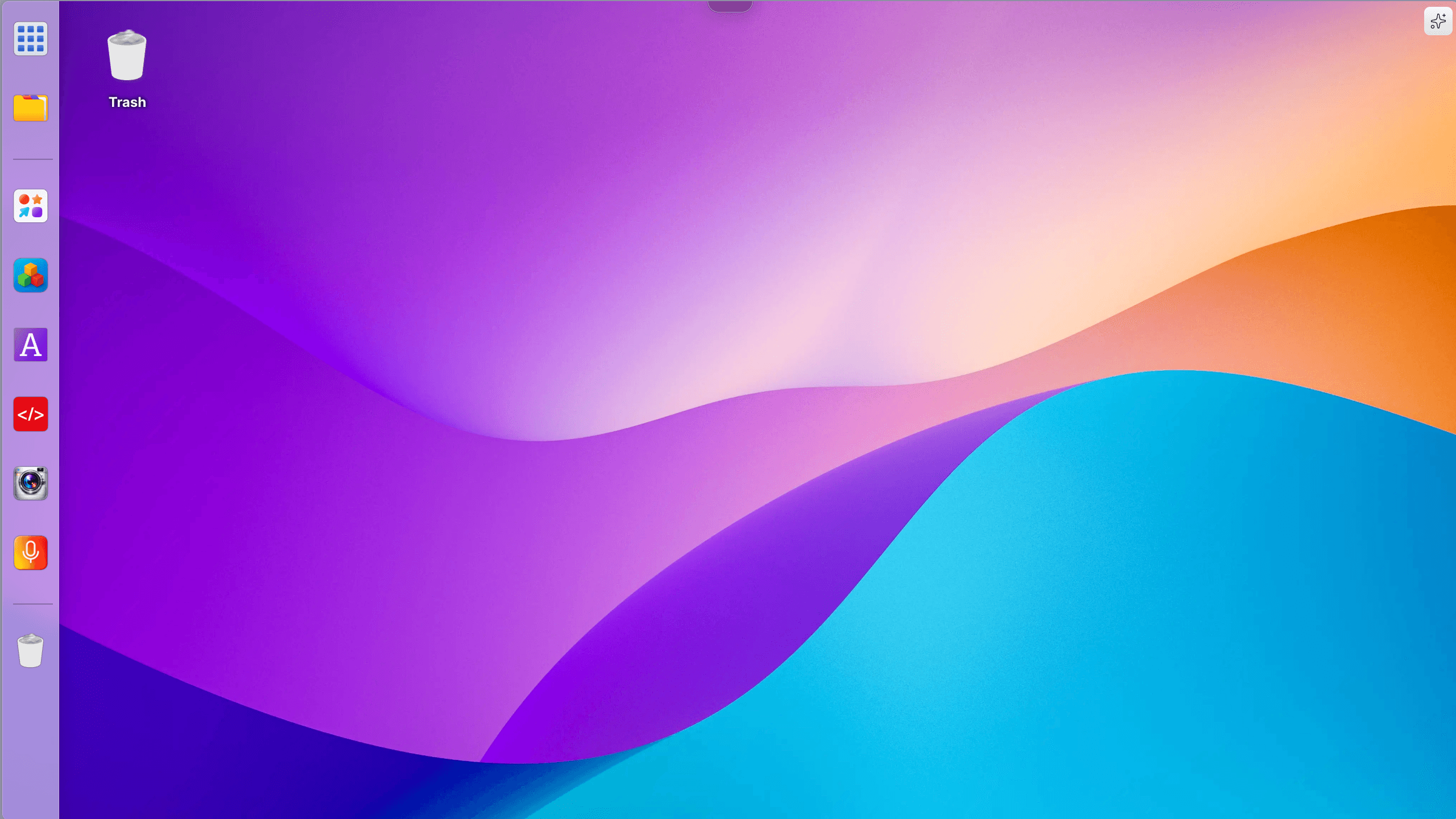
A small team built an entire operating system that runs in your browser. Not a file syncing tool or a document editor—a complete desktop environment with a taskbar, windows, file system, and apps. Puter offers cloud storage, web hosting, coding environments, and gaming, positioning itself as a privacy-first alternative to Dropbox and Google Drive with nearly 40,000 GitHub stars.
Not Just Cloud Storage—A Complete Operating System
Dropbox syncs files. Google Drive manages documents. Puter recreates the desktop experience itself. The browser becomes your operating system. You get windows you can drag, minimize, and maximize. A file manager. A taskbar. The interface feels like using a traditional OS, except everything runs in a browser tab and your files live in the cloud.
People use Puter for cloud storage, web hosting, coding, AI, and gaming. For someone stuck behind a locked-down work computer, Puter enables remote desktop access to a full computing environment—no installation required, just a URL.
The Philosophy: Privacy-First and Self-Hostable
Puter ships under an AGPL license with self-hosting as a core feature. This matters for teams that need to keep data on their own infrastructure or developers who prefer controlling their stack. Dropbox and Google Drive excel at syncing, enterprise collaboration, and scale—but they're proprietary services where your data lives on someone else's servers.
Puter takes a different path. You can run the platform on your own hardware. The team prioritizes privacy and open-source principles, offering an option for those who value that control even if it means trading some convenience.
Vanilla JavaScript: A Performance-Focused Decision
The codebase runs on vanilla JavaScript and jQuery. This was a performance-focused decision, avoiding abstractions in favor of direct browser APIs. For a project rendering an entire OS interface in the browser, that kind of optimization matters.
The choice reflects thoughtful engineering tradeoffs. Modern frameworks bring benefits, but they also add weight. The team opted for speed and simplicity, and given the project's responsiveness, the bet paid off.
The Self-Hosting Reality Check
Self-hosting isn't trivial. Some core apps like Code and Draw aren't available in self-hosted deployments—they only work on the hosted puter.com version. Some users have noted configuration challenges: invalid host header errors, domain setup confusion, and unclear reverse proxy requirements.
These are growing pains. Building a browser-based OS is ambitious; making it easily self-hostable adds another layer of complexity. The issues don't invalidate the project—they're areas where the documentation and tooling are catching up to the technical vision.
What's Next
The team ships regularly. Version 2.5.1 landed in February 2025 with app metadata support, cross-server event broadcasting, and IP rate limiting. The pace suggests this isn't a side project losing steam.
In the landscape of open-source alternatives to Dropbox—Nextcloud, Seafile, Filestash—Puter stands out for its full-OS approach. Others focus on file syncing or collaboration. Puter rebuilt the desktop itself.
That ambition comes with challenges, especially around self-hosting maturity. But 40,000 GitHub stars indicate developers see something worth supporting: an open-source, privacy-focused alternative that doesn't just replace a feature—it reimagines how we interact with cloud computing.
HeyPuter/puter
🌐 The Internet Computer! Free, Open-Source, and Self-Hostable.