Pretext: 300x Faster Text Measurement Without DOM Reflows
DOM reflows bottleneck text-heavy interfaces—every multiline height calculation triggers expensive layout recalculation. Pretext sidesteps the DOM entirely, using Canvas and the browser's font engine to compute wrapped text dimensions through pure calculation, achieving 300-600x speedups in real-world applications.
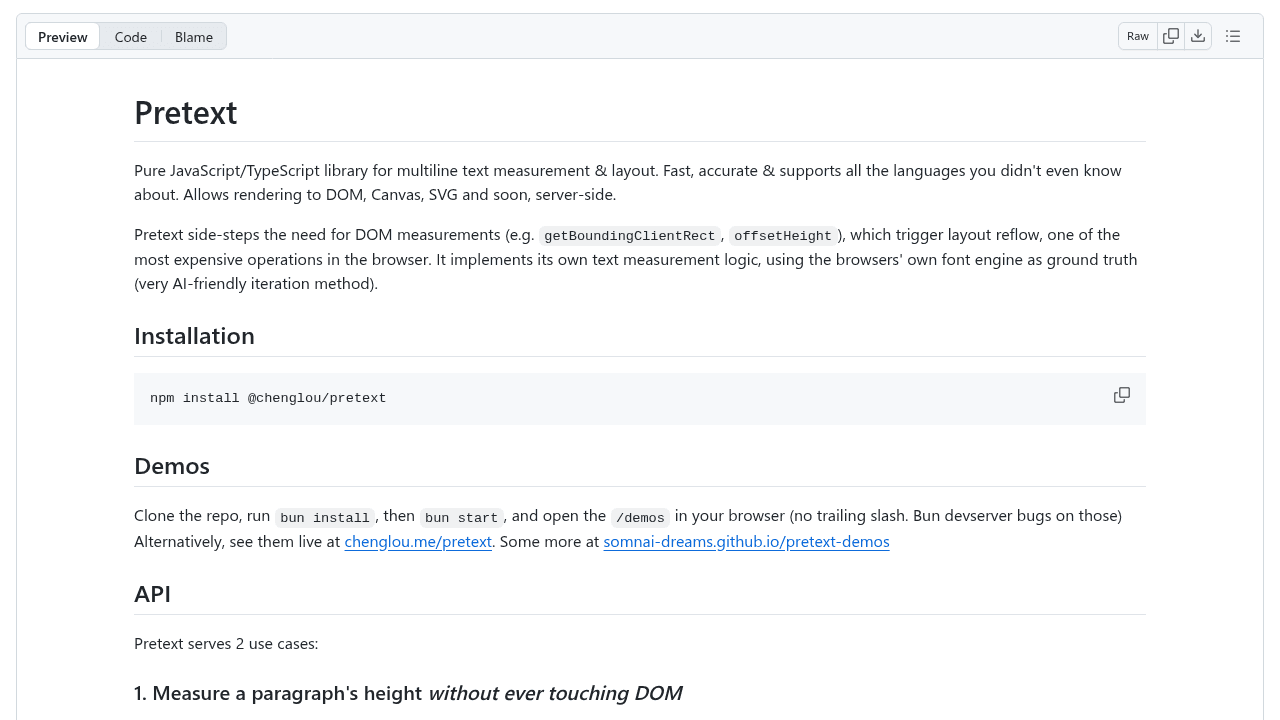
Calculating multiline text height on the web triggers DOM reflows—one of the most expensive operations a browser can perform. Every time you need to know how tall a paragraph will be when wrapped to 300 pixels wide, the browser must render it to the DOM, recalculate the entire layout tree, then report back. For a data visualization rendering 200 labels, that's 200 reflows. For a dashboard with dynamic tooltips updating in real-time, it's a bottleneck.
Cheng Lou saw this problem at scale. The former React core team member built Pretext to sidestep the DOM entirely, using Canvas and the browser's font engine to compute text dimensions through pure calculation. The result: 300-600x faster than traditional DOM measurement. The project hit 18,500+ stars within weeks of its late March 2025 release.
The Hidden Cost of Measuring Text
DOM reflows recalculate layout for the entire document tree, not just the element you're measuring. Browsers have optimized this process over decades, but rendering requires computation. For single measurements, the cost is negligible. But the problem multiplies.
A bar chart with 50 data points, each needing a wrapped label? That's 50 reflows. An interactive map with tooltips repositioning based on text height? Reflows on every mousemove. SVG text elements that need precise positioning before rendering? The browser can't help—SVG text doesn't automatically wrap, so developers resort to measuring in hidden DOM nodes, triggering reflows for text that won't even display there.
The pattern appears everywhere: dashboards, data visualizations, layouts where content determines structure. Each measurement is fast enough. In aggregate, they throttle interfaces that should feel instant.
How Pretext Avoids the DOM Entirely
Pretext implements its own text measurement logic using Canvas 2D context, accessing the browser's font engine without touching layout. It simulates text wrapping through computation: measure each word's width via Canvas, accumulate until the line width exceeds the container, break to a new line, repeat. The browser's font metrics provide character widths, kerning, and spacing—everything needed to predict layout without rendering.
Canvas measurement doesn't trigger reflows because it operates outside the layout engine. The 2D context calculates metrics in isolation, returning numbers without updating any document structure. For scenarios requiring batch measurements, this shifts the performance model from O(n × reflow_cost) to O(n × computation_cost), where computation is orders of magnitude cheaper.
300-600x Faster: What That Means in Practice
The speedup matters most in batch operations. Rendering 100 SVG text elements with proper wrapping: milliseconds instead of seconds. Positioning tooltips in a real-time dashboard: no dropped frames. Calculating layout for a comment thread before paint: fast enough to feel synchronous.
For single measurements, the difference is imperceptible—both approaches complete in under a millisecond. Pretext's advantage emerges at scale, where traditional measurement becomes the bottleneck preventing smooth interactions. It's the difference between a visualization that stutters during load and one that renders immediately.
Why This Solution Took So Long
DOM measurement worked well enough for most cases. Browsers steadily improved reflow performance. Developers learned to batch reads and cache measurements. The problem only became acute at scale—hundreds of measurements in tight loops, or frequent recalculation in response to user input.
Lou's React core experience likely exposed him to performance patterns most developers encounter rarely. Working on a library used by millions of applications surfaces edge cases that become design constraints. The insight wasn't that DOM measurement is bad—it's that a specialized tool for a specific job can be dramatically better.
When to Use Pretext (and When Not To)
Use it for: SVG text rendering, data visualizations with many labels, layouts with frequent text-based recalculation, any scenario measuring text in batch.
Skip it for simple cases—a single tooltip, occasional measurement, layouts that don't change after initial render.
The adoption across developer communities suggests this solved a real pain point. Thousands of developers recognized the problem immediately because they'd hit it themselves, worked around it, and accepted it as the cost of working with text on the web. Sometimes the best solutions are the ones that make you wonder why nobody built them sooner.
chenglou/pretext
Fast, accurate & comprehensive text measurement & layout