PPT Master: AI Slides That Stay Editable in PowerPoint
Most AI presentation tools output images or web documents that break when you need to edit them. PPT Master tackles the harder problem: generating actual .pptx files with native PowerPoint objects. The 56K-star project is young and rough around the edges, but it fills a gap that matters to anyone who needs AI-generated slides that teams can actually refine.
Your AI presentation tool churns out beautiful slides in seconds. Then your manager asks you to swap the chart colors to match brand guidelines, and you discover the entire deck is a flattened image. No native shapes. No editable text boxes. No way to tweak the chart without starting over.
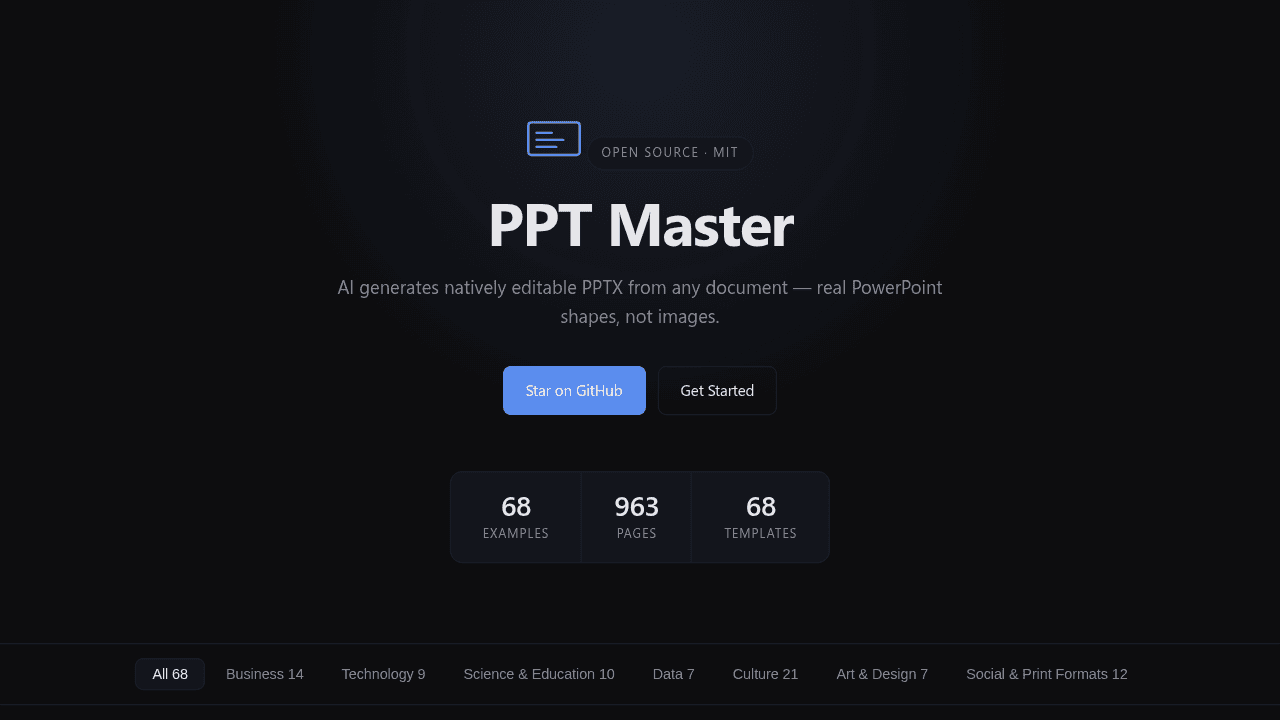
PPT Master is a 56,000-star open-source project working to solve that problem. Created in late 2024, it generates actual .pptx files with native PowerPoint objects—shapes, charts, tables, and animations you can edit in Office, Google Slides, or any software that speaks DrawingML.
The Problem: Beautiful AI Slides You Can't Edit
Most AI presentation tools prioritize speed and visual polish. They output images, PDFs, or web documents that look good but collapse the moment you need to refine a bullet point or adjust a chart axis. That works for one-shot presentations, but it breaks the edit-refine-brand cycle that product teams, consultants, and educators depend on.
Hacker News discussions surface a pattern: existing tools handle importing and editing PowerPoint decks poorly, lean on repetitive templates, and aren't compatible with workflows that end in .pptx. The architectural choice to flatten everything into images or HTML5 canvases makes sense for demo velocity—it's simpler—but it creates a bottleneck when the output needs to flow through corporate branding pipelines or collaborative editing sessions.
Why Native PowerPoint Objects Matter
DrawingML is the XML-based markup language PowerPoint uses to describe shapes, charts, and text boxes. A native .pptx file stores these as editable objects, not pixels. That distinction matters when you need to:
- Recolor a chart series without regenerating the slide
- Adjust font sizes across 40 slides to match brand standards
- Animate individual bullet points instead of treating the whole slide as a static image
- Hand off a deck to a colleague who doesn't use the same AI tool
PPT Master tackles the harder technical problem: generating DrawingML-based PPTX files from AI-generated content. The agent workflow converts source documents into SVG as an intermediate step, then exports native PowerPoint objects. It's messier than rendering to a canvas, but it preserves editability.
How PPT Master Generates Real .pptx Files
The tool ingests PDF, DOCX, PPTX, EPUB, HTML, LaTeX, RST, URLs, Markdown, and plain text. An agent pipeline parses the content, structures it into slide outlines, generates visuals as SVG, and exports the final deck with native shapes, charts, and animations. The plan extends to audio narration and custom templates—features that assume the .pptx structure remains intact.
The technical lift here is real. PowerPoint's XML schema is sprawling, with edge cases around animations, embedded media, and slide masters that trip up even mature libraries. PPT Master is betting that getting this right—even imperfectly—unlocks workflows that image-based tools can't touch.
The Maturity Trade-Off
GitHub discussions include reports of long-running operations with Claude and MiniMax models, PPTX files that fail to open, and speaker-note exports rejected as corrupt because of a missing notesMaster field. These are normal growing pains for a project tackling XML generation at this scale. The late-2024 creation date means the community is still stress-testing edge cases and stabilizing the export pipeline.
If you need production-ready reliability right now, more mature AI presentation tools—or human-authored decks with AI assist—are safer bets. But if your workflow depends on native PowerPoint editability and you're comfortable testing pre-1.0 software, PPT Master is worth watching.
Who This Is For (and Who Should Wait)
Good fit: teams that need AI-generated first drafts but can't give up the ability to refine charts, adjust layouts, and apply brand templates in PowerPoint. Educators building lecture decks that get edited semester after semester. Consultants who need to hand off editable deliverables to clients.
Who should wait: anyone who needs production-ready output today, or workflows where a polished PDF or web export is sufficient.
The Open-Source Bet
Fifty-six thousand stars in under a year signals real demand. The open-source community is betting that native PowerPoint generation—messy as it is—solves a problem that flattened images never will. The first attempts are rough, but the gap PPT Master is addressing isn't going away.
hugohe3/ppt-master
AI turns documents or topics into real, native PowerPoint decks—with native shapes, transitions and animations, data-backed charts and tables on demand, audio narration from speaker notes, and support for your own .pptx templates. · by Hugo He