Onlook: Visual React Editing That Writes Real Code
Pixel-pushing in React means constant context switching between browser and editor. Onlook cuts the workflow tax by syncing visual edits directly to your component files—respecting code ownership while killing the cmd+tab loop. We cover what works, what's still rough, and whether it's worth adding to your stack.
You're four hours into what should've been a 20-minute spacing adjustment. DevTools is open on one monitor, VSCode on the other. Your designer just pinged Slack for the third time: "Can we move that modal 8px left and add some breathing room to the cards?" You know exactly what needs to change, but the ceremony of switching contexts, finding the right component, editing styles, refreshing, checking, and repeating has turned simple visual tweaks into workflow quicksand.
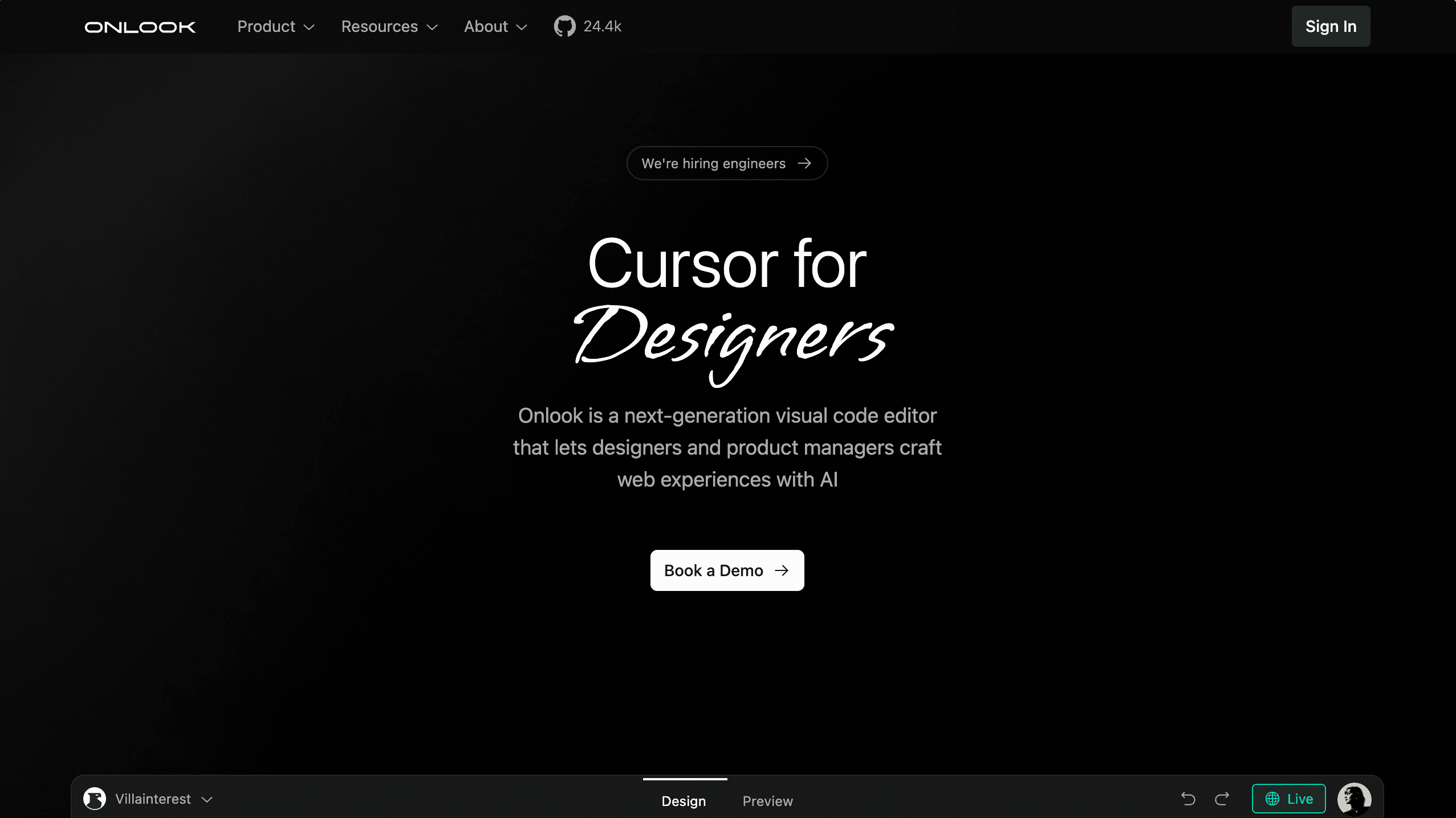
Onlook cuts that loop by syncing visual edits directly to your React component files in real-time. No export step, no code migration, no rebuilding your component library in a proprietary platform. You edit visually, it writes to your local files, and you keep full ownership of your codebase.
What Onlook actually does
The core mechanic is straightforward: point Onlook at your locally running React or Next.js dev server, and it renders your app in a visual editor. Drag elements, adjust spacing, tweak styles—changes write directly back to your component files as you work. It's built for the Tailwind CSS workflow most React projects already use, so there's no adapting to a new styling paradigm.
Unlike Webflow or similar builders, you're not recreating your UI in a separate tool. Unlike Bolt.new or Lovable, you're working with your existing files rather than platform-specific code. Onlook works with your existing codebase—the code you wrote, the components you already maintain, the Git history you already have. For teams using the T3 stack, there's dedicated template support for TypeScript, Next.js, tRPC, Tailwind, and Drizzle ORM projects.
This local-first approach matters for one reason: you're not betting your project on a platform that might change pricing, shut down, or lock you out of your own code. You're adding a tool to your existing workflow, not replacing it.
Where it works well right now
The sweet spot is designer-developer collaboration. When your designer wants to iterate on spacing, layout, or visual hierarchy, they can make changes directly instead of annotating Figma frames or writing adjustment tickets. For teams juggling client feedback at agencies, it compresses the feedback loop from hours to minutes.
It's also useful for tweaking AI-generated UIs. Developers noted on Hacker News that prompt-to-build tools like Bolt.new and Lovable generate functional code but lack visual refinement options afterward. Onlook fills that gap—generate the scaffold with AI, then polish it visually without rewriting prompts.
For straightforward layout work, it saves time. Adjusting margins, padding, flexbox alignment, or grid gaps visually beats typing class names and refreshing your browser.
The rough edges (and they're real)
Current friction points matter. Users report that the AI chat feature loads slowly and styles don't always apply consistently. Preview mode can become unscrollable in certain configurations. Early versions added data-oid attributes to track elements, which cluttered component files and annoyed developers who care about clean markup.
The original Electron desktop app bundled a 300MB+ package because of the included Bun runtime. The team has since shifted to a web version, reducing setup friction, but the tool still feels unpolished around certain edges. These aren't dealbreakers—they're expected growing pains of a Y Combinator-backed project that's iterating publicly—but they're real enough to factor into adoption decisions.
Who should actually use this
This makes sense for teams with active designer handoffs, agencies managing client revision cycles, and developers maintaining design systems where visual consistency matters. If you're spending more than a few hours per week on layout adjustments that feel like busywork, Onlook addresses that specific problem.
It's not for greenfield projects where you're still figuring out your component architecture, and it's not for developers who already have a workflow they're happy with. Don't migrate your entire stack. Try it on one feature, one component library, or one client project where iteration speed matters more than stability. If it saves you time, expand usage. If it adds friction, you lose nothing—your code stays exactly as you wrote it.
onlook-dev/onlook
The Cursor for Designers • An Open-Source AI-First Design tool • Visually build, style, and edit your React App with AI