Mole: The Free CLI That Replaces CleanMyMac for Devs
Mole is an open-source CLI tool that removes gigabytes of development cruft from macOS—Xcode caches, npm modules, Python artifacts—that commercial cleaners miss or charge for. Developers report 40-50GB recovered in single runs, though a graphics subsystem bug requires caution on certain setups.
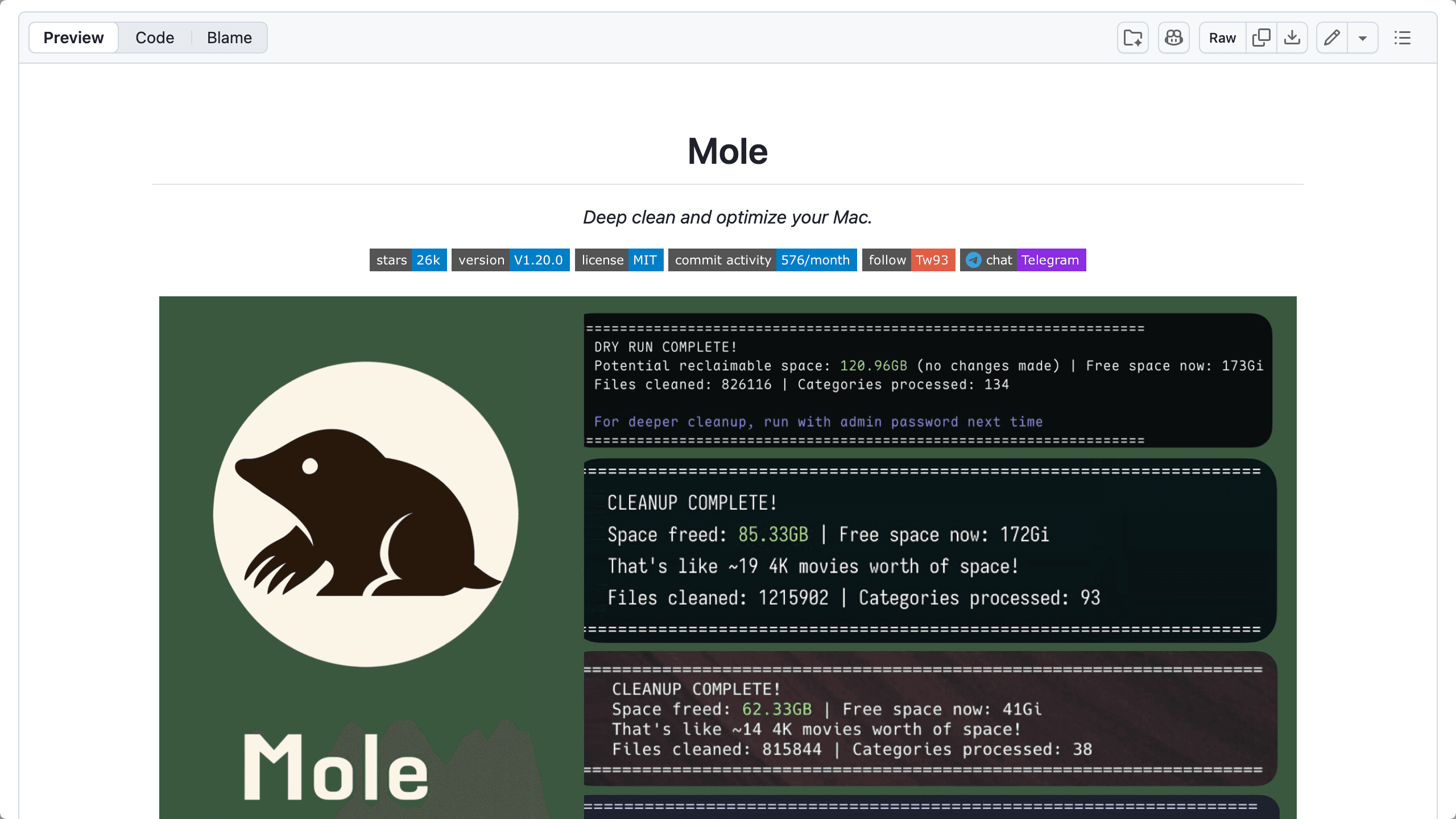
Open "About This Mac" on a developer's machine and the storage tab tells a familiar story: 200GB mysteriously vanished. The culprit isn't a single massive folder but death by a thousand cuts—40GB of Xcode derived data here, scattered node_modules directories eating 30GB there, Python __pycache__ artifacts everywhere. Commercial cleaners like CleanMyMac charge $90 a year, but Mole, a CLI tool, targets the same bloat without the subscription.
What Mole Actually Cleans (And How It Compares)
The tool tackles 13 categories of macOS cruft that accumulate from development work: Xcode caches and archives, npm and Yarn package caches, Python bytecode, browser artifacts from Chrome and Safari, system logs, and app remnants left behind after uninstalls. Mole's approach shows exactly which directories it targets before touching anything.
Developers running Node.js, Python, and Xcode simultaneously report recovering 40-50GB in single passes—storage that general-purpose scanners often miss because they don't prioritize developer-specific artifacts. The September 2025 launch focused on these developer workflows, with ongoing updates expanding coverage.
The Dry-Run Feature: Transparency Over Magic
The mole clean --dry-run command exists because engineers distrust black-box automation. It lists every file and directory marked for deletion with size estimates before requiring Touch ID authentication to proceed. This transparency addresses concerns raised in Hacker News discussions about apps that clean without disclosure.
The Touch ID requirement prevents accidental deletions from muscle memory and signals that the tool respects the severity of bulk file removal. For developers managing 256GB SSDs where every gigabyte counts, seeing ~/Library/Developer/Xcode/DerivedData: 38.4GB before confirming deletion beats hoping an app made good choices.
Known Issue: The WindowServer Graphics Bug
Mole's optimize command—intended to streamline system graphics processes—has a documented problem: it causes WindowServer crashes, terminal lockouts, and sustained 40% CPU spikes on certain macOS configurations. Users report graphics subsystem instability requiring force quits.
The project's GitHub issue tracker addresses this upfront. The clean command remains stable; the optimize feature should be avoided until the WindowServer interaction is resolved. This distinction matters for anyone testing Mole—stick to cleaning caches and artifacts, skip optimization attempts.
Why This CLI Tool Is Trending Now
Mole's recent visibility on Hacker News reflects developer fatigue with subscription cleaning software. The Show HN posts came as macOS developers face storage pressure from increasingly large toolchains and Xcode's appetite for disk space.
Its positioning as a single binary that consolidates what previously required multiple tools or manual directory hunting also helps. For developers already comfortable with CLI workflows, adding mole to their maintenance routine requires less friction than learning another GUI application's interface.
Should You Use Mole? The Practical Assessment
Mole makes sense for developers managing multiple toolchains on storage-constrained Macs—the 256GB MacBook Pro crowd juggling Xcode, Node, Python, and Docker. Install via Homebrew (brew install mole), run mole clean --dry-run first, and review what it flags before committing.
Avoid the optimize command entirely until the WindowServer bug is fixed. For cache and artifact cleanup, the tool does what it promises: showing exactly what's consuming space and letting you reclaim it without subscription fees or mystery algorithms.
tw93/Mole
🐹 Clean, uninstall, analyze, optimize, and monitor your Mac. Free open-source CLI, plus a native Mac app.