MarkItDown: Microsoft's Answer to Document Conversion Hell
Document conversion for RAG pipelines means wrestling with textract, losing table structure, and duct-taping libraries together. MarkItDown promises one pip install to turn PDFs, PowerPoints, and emails into clean Markdown—but PDF performance issues and async gaps show this problem isn't fully solved yet.
You have three hours to ship a RAG pipeline demo. The PDFs won't cooperate with textract. Word tables lose their structure in mammoth. PowerPoints turn into gibberish. You're duct-taping pdfplumber, beautifulsoup, and a prayer together while your Docker build times balloon.
Microsoft's MarkItDown hit 85,000 GitHub stars in four months because every AI engineer has lived this nightmare.
The Document Conversion Problem Nobody Solved
Building document search or RAG systems means wrestling with a zoo of formats—PDFs that resist extraction, PowerPoints with embedded charts, emails with nested attachments, spreadsheets that break traditional parsers. Existing tools handle one or two formats well but fail when your pipeline needs to ingest everything from .docx to .mp3 to random URLs.
The real pain isn't just multi-format support. It's preserving structure. LLMs need headings, tables, and links intact to generate useful answers. Strip that metadata, and your chatbot hallucinates because it can't tell a data table from body text.
What MarkItDown Actually Does
MarkItDown converts 15+ file types—PDF, Word, PowerPoint, Excel, images, audio, HTML, even YouTube URLs—into clean Markdown with structure preserved. Five lines of Python:
from markitdown import MarkItDown
md = MarkItDown()
result = md.convert("quarterly_report.pdf")
print(result.text_content)
Output keeps headings as ##, tables as Markdown tables, links as [text](url). One unified format for everything your LLM ingests.
Real Usage: READOC, Trigger.dev, and MCP Servers
MarkItDown isn't vaporware. The READOC benchmark paper—published at ACL—explicitly uses MarkItDown to convert DOCX files to Markdown in its document extraction pipeline. Trigger.dev's official Python guides integrate MarkItDown into workflows for converting Office files, PDFs, images, and audio within their task orchestration platform.
Skywork wrapped MarkItDown as MCP servers (both NPX and Model Context Protocol versions), exposing document conversion to AI tools and VS Code clients. Leapcell's tutorial shows engineers deploying MarkItDown as a hosted API. Real Python treats it as a standard tool for preparing documents for vector databases and custom GPTs.
Engineers are building production infrastructure on top of this.
The PDF Performance Issue (GitHub #3)
A 122-page, 1.6 MB PDF takes 33 seconds with MarkItDown versus 9.24 seconds with PyMuPDF4LLM. The culprit: MarkItDown's PDFMiner backend is fully synchronous and struggles with larger files. GitHub issue #3 documents this gap, with commenters noting performance deteriorates as file size grows.
Another issue flags "regrettable" performance when triggering parallel analysis—MarkItDown lacks async support for high-throughput workflows. Microsoft chose structure preservation over speed, trading seconds for cleaner tables and headings. That trade-off works for prototyping RAG pipelines; it breaks for batch processing thousands of PDFs.
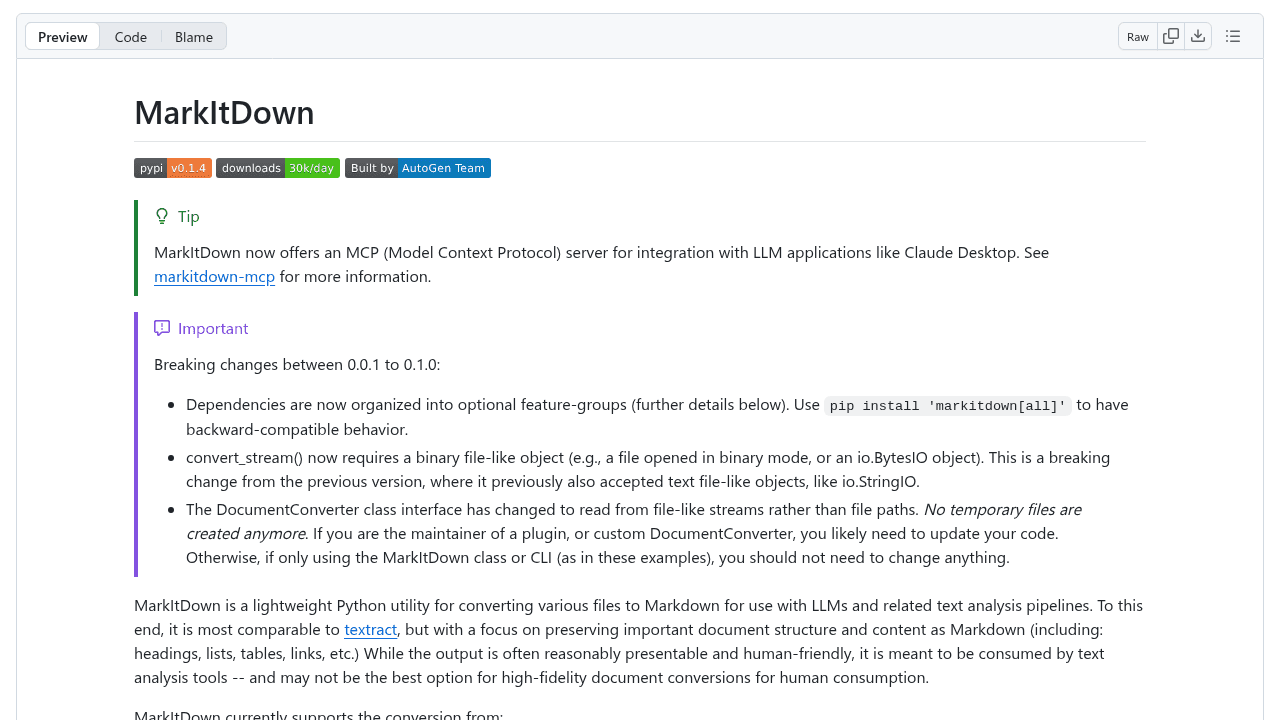
The README acknowledges MarkItDown is "optimized for LLM/text analysis and may not be the best option for high-fidelity document conversions for human consumption."
Why the Plugin Architecture Matters
MarkItDown's architecture supports plugins: Azure Document Intelligence for high-fidelity extraction of complex layouts, speech transcription for audio and YouTube videos. This positions it as a platform, not just another converter.
PyMuPDF4LLM processes PDFs faster. Docling handles complex PDF layouts differently. Pandoc offers broader format variety for non-LLM use cases. MarkItDown covers more ground—one tool for PDFs, Office files, images, audio, and URLs—backed by Microsoft's support and an MIT license.
The 85,000 stars reflect demand for exactly this: a unified interface that doesn't force you to memorize five libraries' APIs.
When to Use It (and When Not To)
Use MarkItDown for:
RAG pipelines needing multi-format support. Prototyping document search systems. Standardizing messy input (emails, presentations, spreadsheets) into one Markdown stream for vector ingestion.
Skip it for:
High-throughput PDF processing where async gaps hurt performance. Pixel-perfect conversions meant for human readers, not LLMs. Workflows already optimized around a single format with specialized tools.
MarkItDown isn't perfect. PDFs still take too long. Async support is missing. But after years of patching together fragile pipelines, someone at Microsoft finally built the tool we kept wishing existed—and 85,000 developers agreed.
microsoft/markitdown
Python tool for converting files and office documents to Markdown.