Build AI Agents From Scratch: Bash to Production
Most developers learn AI agents by reading docs about frameworks they don't understand. This repository flips that—you build five progressively complex versions starting from pure bash, learning tool design, planning loops, and context management by doing. It's the clearest path from "how does this work" to building your own agents.
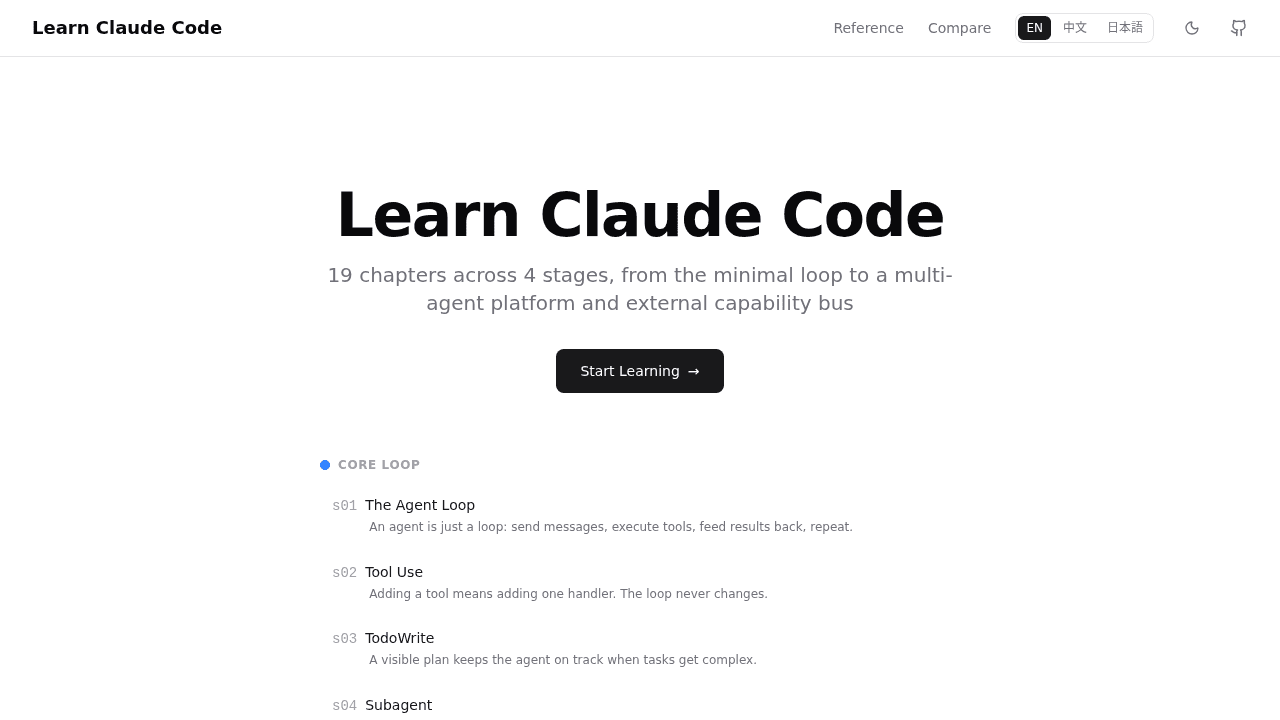
Reading framework documentation doesn't teach you how AI coding agents work. You skim explanations of "explicit planning loops" and "tool orchestration," but when you look at production tools like Cursor or Aider, you can't map those concepts to what's happening under the hood.
Learn Claude Code takes a different approach: you build five progressively complex AI agents starting from a 50-line bash script. No frameworks, no abstraction layers—just curl, jq, and the core loop that powers every AI coding assistant.
The Documentation Problem
Most tutorials explain agentic patterns in the abstract. They'll tell you agents need "memory management" or "tool calling capabilities" without showing you what those patterns look like in code. You nod along, but when it's time to build something, the gap between concept and implementation stops you cold.
The insight here is simple: bash strips away all the magic. When you write curl to hit the Claude API, parse JSON with jq, and execute file operations directly, you see every decision the agent makes. No framework handling context windows for you or auto-formatting tool schemas. You build those mechanisms yourself, which means you understand them.
Why Bash? Minimal Dependencies, Maximum Clarity
The repository's first version is a basic prompt loop that sends user input to Claude and prints responses. No tools, no memory, no planning. Just the skeleton of what every agent does: prompt, parse, respond, repeat.
Version two adds tool calling. You define functions the model can invoke (read files, write files, run shell commands), format them as JSON schemas, and teach the agent to decide when to use them. Now you're not just chatting with Claude—you're building an assistant that can modify your codebase.
By version five, you've implemented explicit planning (the agent thinks before acting), context management (deciding what conversation history to keep in the prompt), and knowledge injection (augmenting the model's awareness with repository-specific context). These aren't bash tricks. They're patterns that transfer directly to production frameworks.
Core Patterns You'll Understand
The value isn't the bash scripts themselves—it's the mental model you build. Tool design teaches you how to structure function schemas so models use them correctly. Planning loops show you when to let the agent reflect versus when to execute immediately. Context window management forces you to think about what information matters and what's noise.
When you later use production alternatives like Cursor or Aider, you'll recognize these patterns. Cursor's inline suggestions? That's context management optimized for IDE integration. Aider's multi-file editing? Tool calling with better state tracking. The underlying agent loop is the same—these tools just add interfaces and performance optimizations on top.
Current State: Active Development
The project has an open issue about broken links in the markdown documentation where source files can't be found. The code examples themselves still work, but the explanatory docs need attention. For a repository gaining traction on Hacker News, it's a usability issue the maintainers are working through—the kind of rough edge common in fast-growing open source projects.
When to Use This vs. Just Using Cursor
If your goal is productivity, use Cursor. It's faster, more polished, and handles edge cases these bash scripts don't. But if you want to understand why your AI coding assistant sometimes fails, or you're planning to build custom agents for specific domains, this repository gives you the foundation.
The progression from bash to production tools mirrors how developers learn: start with first principles, then appreciate what others have built. You don't need to write agents in bash for real work, but understanding what's happening at that level changes how you use—and debug—every AI tool you touch.
What You'll Know After Building All Five Versions
You'll stop seeing AI coding assistants as black boxes. When Cursor refuses to edit a file, you'll understand it's probably a context window issue. When Aider makes a weird tool choice, you'll recognize it as a planning loop problem. And when you need behavior no existing tool provides, you'll have the scaffolding to build it yourself.
First principles matter. Production tools are impressive, but comprehension beats convenience when you're trying to push beyond what existing solutions offer.
shareAI-lab/learn-claude-code
Bash is all you need - A nano claude code–like 「agent harness」, built from 0 to 1