DESIGN.md: The Style Guide AI Agents Actually Read
AI coding agents like Cursor and Claude can scaffold entire applications instantly, but they dress them differently every time. DESIGN.md files—simple markdown documents placed in your project root—give AI agents a style guide they can actually parse, producing pixel-accurate UI that matches popular design systems like Stripe, Linear, and Notion.
AI coding agents can scaffold a landing page in 30 seconds. Ask them to regenerate a component, and they'll give you completely different button styles, spacing, and colors. The speed that makes AI coding useful also makes inconsistency obvious—what used to hide in hours of manual work now flashes across seconds of generation.
The fix: a markdown file AI agents can parse.
The Problem Only Exists Because AI Got Fast
When Cursor or Codex generates UI components, each pass through the model produces variations. Different hex codes for primary buttons. Inconsistent padding. Typography that shifts between generations. Traditional development workflows absorbed these inconsistencies—developers would notice and standardize as they hand-coded components over days or weeks.
AI agents collapsed that timeline to seconds, and the inconsistency became hard to ignore. You'd prompt for a signup form, get one shade of blue, then regenerate a navbar and get another. The technology worked as designed—large language models are probabilistic, not deterministic—but the workflow needed something new.
Why Traditional Design Systems Don't Fit AI Context Windows
Design systems like Tailwind UI and Shadcn work well for human developers. They provide documentation, component browsers, and copy-paste code snippets. But AI agents need everything in their context window at once—compact, parseable, and prompt-friendly.
A 200-page Figma file or Storybook instance doesn't help an AI agent generating code in real-time. The agent needs colors, typography scales, spacing systems, and component patterns in a format it can consume instantly. That's a different constraint than what human developers navigate clicking through documentation.
Those tools solve real problems for their intended workflows. But AI-first development introduced a gap: how do you give an agent a style guide it can read?
Markdown Files Where AI Agents Already Look
DESIGN.md files sit in your project root, exactly where AI agents scan when vibe coding. Both humans and AI can parse them. No build tooling, no custom formats—just a text file defining color palettes, typography scales, spacing tokens, and component patterns in plain markdown.
You drop a DESIGN.md file into your repo, prompt your agent to reference it, and generations become pixel-accurate to your design system. The agent reads the same file you can edit in any text editor. When you need to adjust the primary color or button radius, you change one line of markdown.
55+ Design Systems, Ready to Drop In
The awesome-design-md repository captured what made this pattern useful: 55+ pre-built DESIGN.md files extracting design systems from Stripe, Linear, Figma, and Notion. Developers using Verdant or OpenCode can grab a file matching their target aesthetic and generate matching UI.
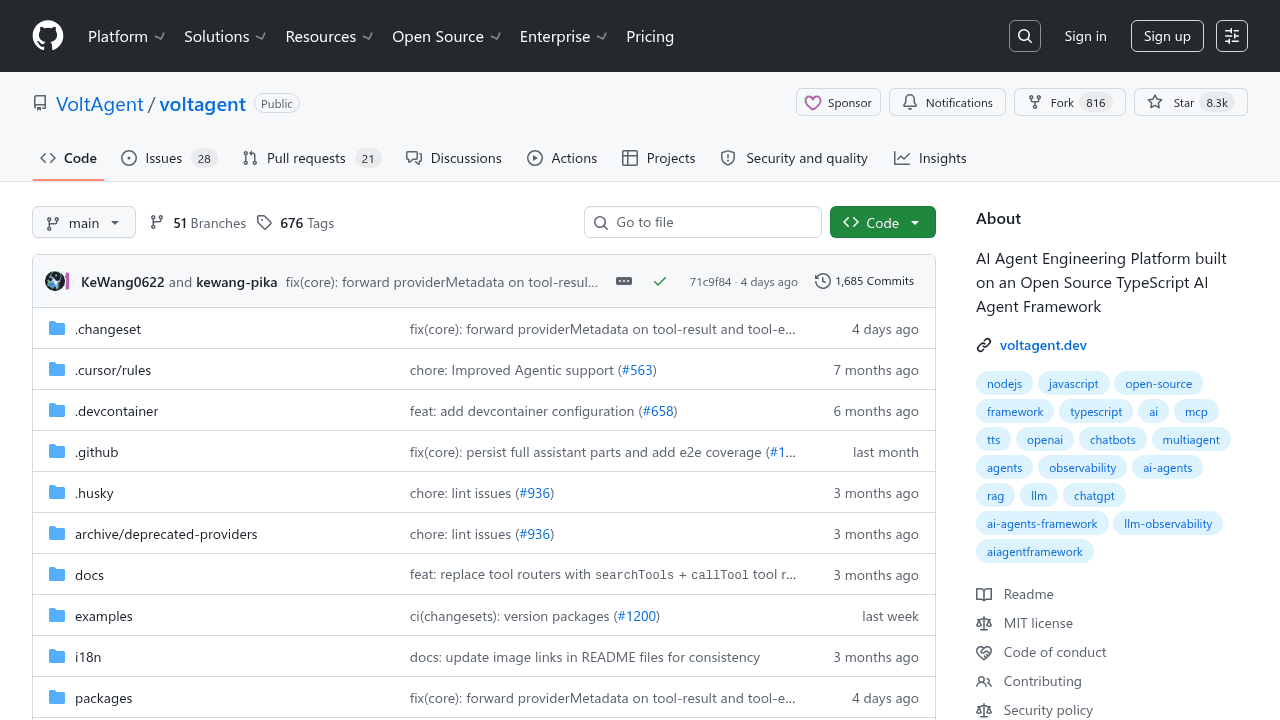
The project hit 49.3k stars shortly after launch, following VoltAgent's pattern of single-file solutions for complex AI problems. Discussion on Hacker News highlighted how these files captured real brand systems in AI-readable formats, though some designers pointed out that developers had been feeding design context to Claude and ChatGPT in markdown for a while—the repository just formalized what was already working.
What This Means for AI-First Development
DESIGN.md isn't just a repository—it's a pattern emerging from how developers work with AI agents. Someone noticed that the explosion in AI coding speed created a gap, and filled it in the most obvious way possible: a format both humans and machines can read, placed exactly where agents look.
For developers already working in AI-first workflows, this solves an immediate pain point. Just a markdown file, doing exactly what it needs to do.
VoltAgent/awesome-design-md
A collection of DESIGN.md files analysis by popular brand design systems. Drop one into your project and let coding agents generate a matching UI.