Chrome DevTools MCP: Giving AI Eyes Into the Browser
AI coding assistants have been writing HTML, CSS, and JavaScript without seeing what renders. Chrome DevTools MCP bridges that gap by exposing browser instrumentation to AI agents, creating a feedback loop between generation and observation. Real teams are using it to automate SEO research and debug performance bottlenecks—but the tool comes with heavyweight context costs.
Your AI coding assistant writes perfect HTML. You refresh the browser. The layout is broken. You screenshot it, paste it back into the chat, explain what's wrong, wait for new code.
Chrome DevTools MCP eliminates that loop. AI can now see what it builds.
The Blindfold Problem
AI coding assistants generate HTML, CSS, and JavaScript without runtime awareness. They write code, but they can't see whether a flex container actually aligns its children correctly, whether a CSS animation stutters, or whether third-party scripts tank performance. Every verification step requires human intervention—developers become the translation layer, manually shuttling observations back through prompts.
Generation happens in one environment, verification in another. You prompt, the AI generates, you run it, you observe, you describe what you saw, repeat. Chrome DevTools MCP brings generation and verification closer together by exposing browser instrumentation directly to AI agents.
What Chrome DevTools MCP Actually Does
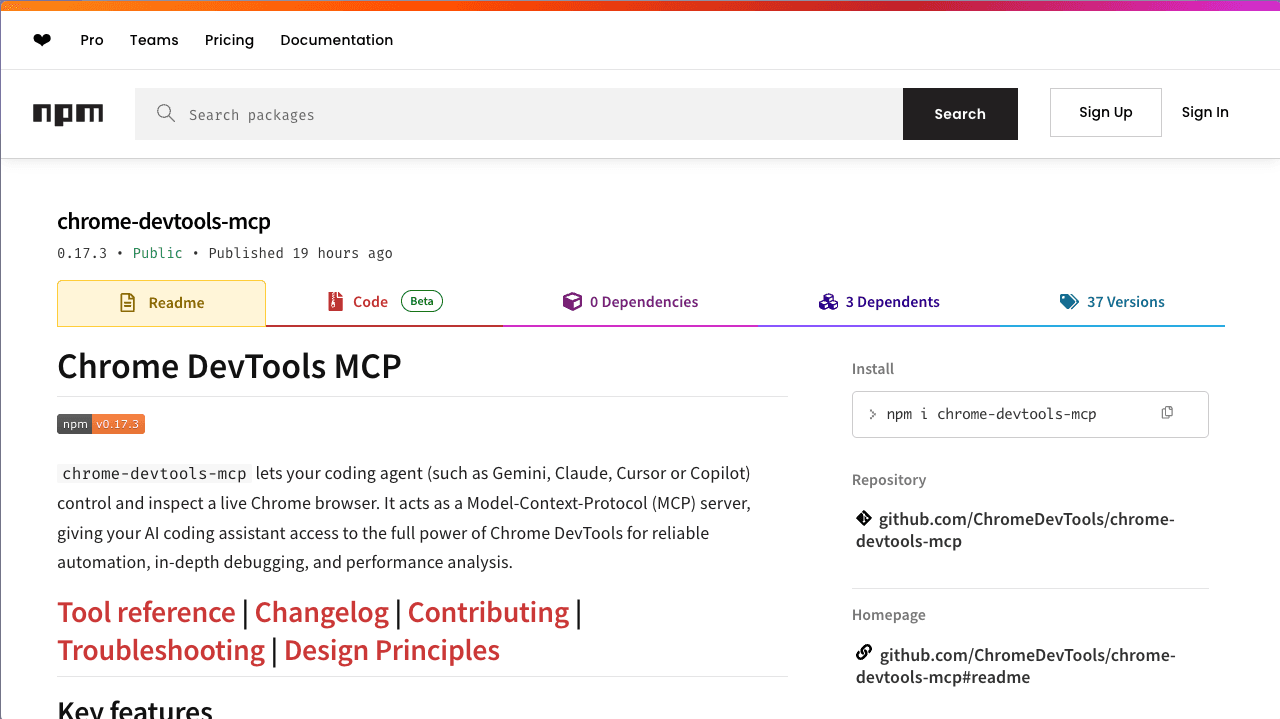
Chrome DevTools MCP exposes the Chrome DevTools Protocol to the Model Context Protocol, giving AI agents direct access to everything DevTools can see. Network traces, DOM inspection, performance profiling, console output, accessibility trees—all available programmatically within your coding environment.
The feedback loop becomes: generate code, observe what renders, measure performance, adjust. No context switching. No screenshots. The AI assistant queries the browser state directly, sees layout shifts, catches JavaScript errors, profiles rendering bottlenecks, then uses that information to refine its next response.
Real Use Cases Beyond Toy Demos
Go Fish digital marketing agency integrated Chrome DevTools MCP into Cursor to automate SEO and geo-targeting research. Their workflow: AI agents browse search engine result pages, extract metadata, run performance audits, analyze competitor markup—all without leaving the coding environment. What used to require manual browsing, screenshotting, and copy-pasting now happens programmatically through the same interface where code is being written.
DebugBear demonstrated performance debugging workflows where Chrome DevTools MCP captures live performance traces and feeds them to AI assistants for real-time analysis. The assistant identifies layout shifts, pinpoints slow scripts, correlates network waterfalls with rendering delays—concrete diagnostics, not guesswork.
These aren't hypothetical examples. They're production workflows solving actual problems.
The Context Window Tradeoff
Chrome DevTools MCP is heavyweight. Tool definitions alone consume approximately 17,000-20,000 tokens before any actual usage. When combined with other MCP servers, this can eat 50% of your context window. This is comprehensive browser instrumentation—it costs tokens.
The project is working through some growing pains. Some users have noted timeout issues when retrieving Core Web Vitals metrics, requiring higher timeout settings in protocol configuration. The Runtime.evaluate function occasionally times out on complex metrics collection.
For workflows that need full browser visibility, the tradeoff makes sense. For simpler code generation tasks, it's overkill.
Why Google Open-Sourced This
Google could have kept this internal for Gemini. Instead, they exposed it broadly through the Model Context Protocol, making it available to Cursor, Claude, and any other AI coding assistant that supports MCP.
The decision signals recognition that AI-assisted development needs runtime verification, not just generation. Writing code without observing its effects was always going to hit a ceiling. Chrome DevTools MCP is one piece of a larger puzzle—not a solution to AI coding, but a necessary component.
For developers already cycling through the generate-refresh-inspect-prompt loop, this tool closes the gap. Your AI assistant can finally see what it builds.
ChromeDevTools/chrome-devtools-mcp
Chrome DevTools for coding agents