CC Switch: One GUI for All Your AI Coding Assistants
Developers using multiple AI coding assistants face tedious config file management—editing settings.json, auth.json, and config.toml every time they switch providers. CC Switch provides a GUI that manages all these profiles in one place, gaining 40k+ stars in eight months by solving a friction point the CLI tools themselves weren't designed to address.
You're working in Claude Code with Anthropic's Claude 3.5. The session ends, and you need to switch to OpenAI's GPT-4 for a different project. That means opening settings.json, editing the provider field, finding auth.json to swap API keys, then updating config.toml for model-specific parameters. Copy, paste, save, restart. Do this three times a day across multiple CLI tools, and the friction adds up.
CC Switch eliminates that workflow. It's a GUI that manages profiles for Claude Code, Codex, OpenCode, and Gemini CLI from a single interface—no manual config file edits required.
The Config File Shuffle
AI coding assistants like Claude Code and Codex are powerful, but their CLI-first design assumes you're working primarily with one provider. When you need to test Anthropic against OpenAI, or compare models within the same provider, you're editing configuration files manually. The settings.json controls which provider runs. The auth.json stores API keys. Model-specific parameters live in config.toml.
Each switch introduces typo risk. Miss a bracket in JSON, and your next coding session starts with parsing errors instead of generated code. The cost isn't the five minutes spent editing—it's the context switch away from the actual work. Developers on Hacker News mention using cc-switch specifically to swap out different models/providers for Claude Code without that manual burden.
What CC Switch Does
CC Switch provides profile-based management for four AI coding CLIs. You define a profile for "Anthropic Claude 3.5," another for "OpenAI GPT-4," and switch between them with a click. The tool handles the config file updates—writing the correct provider settings, swapping authentication tokens, adjusting model parameters.
The interface is straightforward: a list of saved profiles, buttons to activate or edit them, and fields to configure provider-specific options. It's not reimagining the CLI tools themselves; it's addressing frequent provider switching, which wasn't their primary focus. Claude Code and Codex were built to be powerful command-line tools. CC Switch makes them more flexible when you need multi-provider workflows.
Version 3.5.1 added silent startup and OpenCode support, expanding coverage to four CLI applications. The tool is written in Rust and available through a Homebrew tap for macOS installation.
Why This Took Off
The repository gained 40.8k stars in three months since its August 2025 creation—adoption that signals the pain point was both real and widespread. Developers experimenting with multiple AI providers, comparing model outputs, or switching contexts across projects found immediate value.
The project is listed in awesome-rust as an all-in-one GUI assistant for managing these CLI profiles. The Homebrew tap simplifies distribution for the macOS developer audience most likely to use these tools.
The 355 open issues include feature requests like protecting Claude Code conversation history from auto-deletion—evidence that users are pushing the tool beyond basic profile switching into deeper workflow integration. For a project this young and growing this fast, that volume of feedback tracks with active development.
Who This Is For
CC Switch targets developers experimenting with multiple AI coding providers. If you're testing different models, comparing output quality across providers, or working in environments where you switch contexts frequently, the profile management saves time.
If you use one provider exclusively, the tool won't solve a problem you don't have. The CLI tools work fine for single-provider workflows. But the adoption rate suggests a sizable group of developers working at the intersection of multiple AI assistants—and for them, the config file shuffle was friction worth fixing.
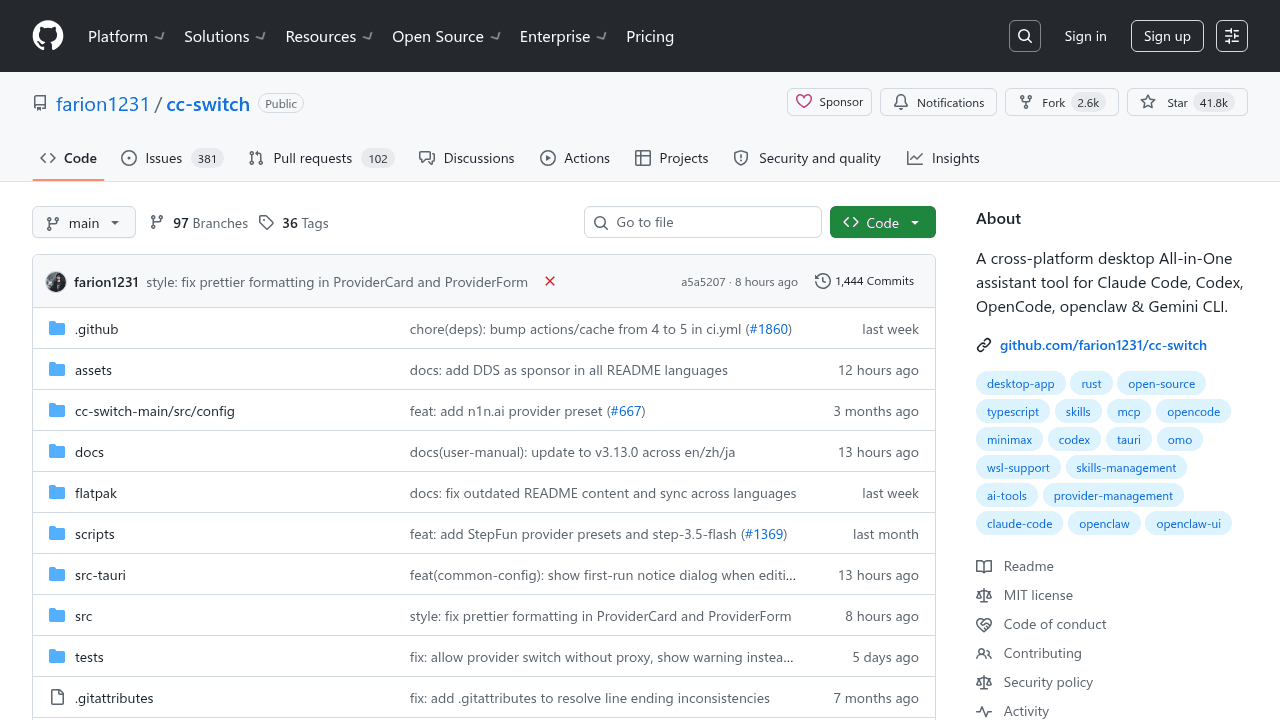
farion1231/cc-switch
A cross-platform desktop All-in-One assistant for Claude Code, Codex, OpenCode, OpenClaw, Grok Build & Hermes Agent. Only official website: ccswitch.io