Browser Use: Open-Source AI Agents That Actually Browse
Browser Use took a different path than OpenAI's Operator and Anthropic's Computer Use to solve AI web navigation: open-source, text-based DOM extraction instead of vision models, and self-hosted infrastructure. The approach earned 75k GitHub stars and $17M in funding, but comes with trade-offs around performance and complexity that developers should understand.
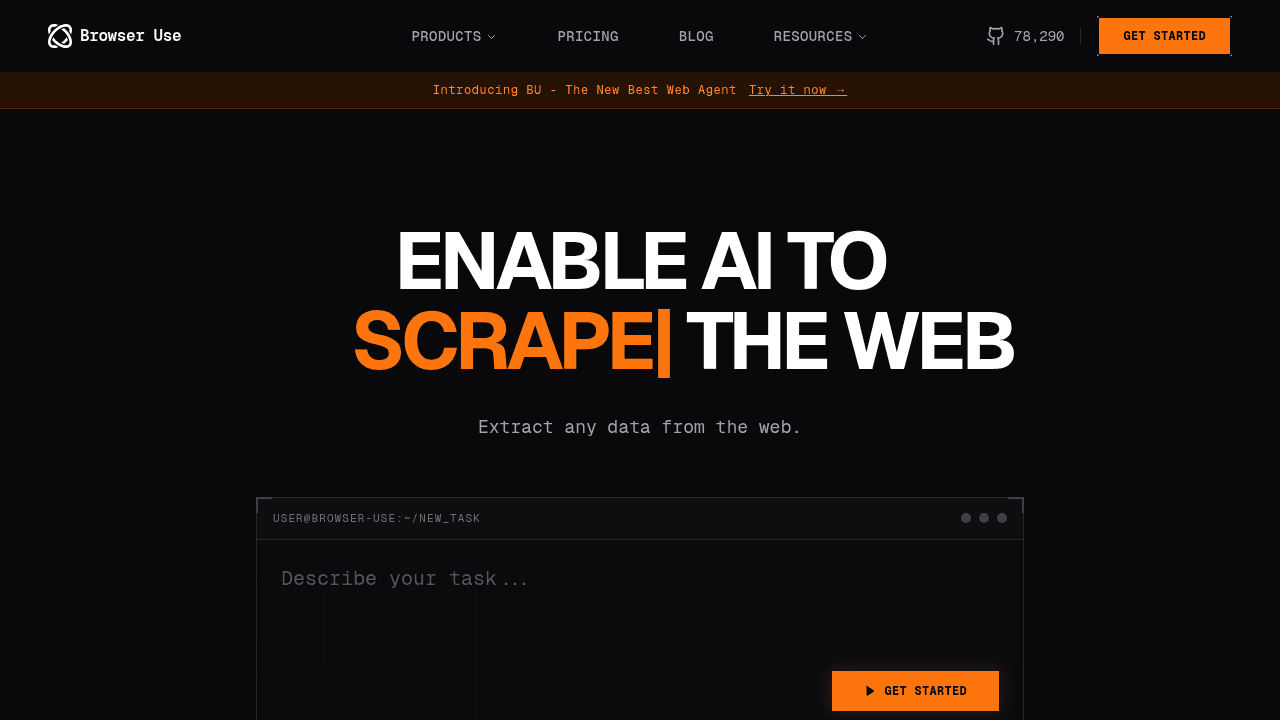
Automation scripts break the moment websites change. Vision-based AI models trip over dynamic interfaces. Developers spend hours fighting captchas, rate limits, and authentication screens. A Y Combinator-backed team just raised $17M solving it differently than everyone else.
The Problem: Why AI Agents Can't Navigate Websites
The web wasn't built for bots. Websites deploy anti-automation defenses, redesign their layouts without warning, and hide functionality behind interactive elements that traditional scrapers can't parse. Vision-based approaches—where AI models "see" screenshots like humans do—sound elegant in theory but struggle with the messiness of real websites. Developers face captchas, rate limits, parsing errors, API key management issues, and login screens that turn simple automation tasks into multi-day debugging sessions.
Both OpenAI (with Operator) and Anthropic (with Computer Use) are tackling this with proprietary vision models. Managed services like Browserless and Browserbase offer commercial infrastructure to handle the complexity. Browser Use chose a different path.
Browser Use's Bet: Text Over Vision
Browser Use converts website DOM elements into text representations that language models already understand. The technical difference matters: vision models process screenshots and guess at clickable regions; Browser Use extracts the actual structure of a webpage—buttons, forms, links—and feeds that directly to the agent.
On the WebVoyager benchmark, Browser Use outperforms OpenAI Operator, suggesting that text-based DOM extraction can handle complex navigation tasks more reliably than screenshot analysis. The approach sidesteps problems where vision models misidentify interface elements or struggle with overlapping content.
That's not to dismiss vision-based systems—Anthropic and OpenAI are optimizing for different constraints, including cross-platform desktop automation that extends beyond browsers. Browser Use focuses on web navigation, making trade-offs that work for that domain.
Open-Source vs. Managed: Different Trade-offs
Browser Use is open-source and free for local use, which changes the economics compared to managed alternatives like Browserless and Browserbase. Developers running Browser Use locally avoid API costs during experimentation and can modify the source code for custom workflows. The price is owning your infrastructure—provisioning compute, managing updates, debugging deployment issues.
Managed services handle scalability, monitoring, and reliability guarantees. For teams prioritizing uptime over customization, that's the right choice. For teams wanting full control and willing to run their own infrastructure, Browser Use fits. Neither approach is universally superior; they serve different needs.
Growing Pains: What Actually Breaks
With over 75,000 GitHub stars, Browser Use is moving fast. GitHub issues document where things still need work: agents taking unwanted extra steps on simple tasks, like attempting to sign in with fake credentials when the job was just to navigate to a URL. Some workflows take tens of seconds per click, which slows down iteration cycles.
These are normal growing pains when tackling hard technical problems. The team is actively addressing them, and the open-source model means developers can see exactly what's being fixed and contribute solutions. Transparency around limitations builds trust—something proprietary tools don't always offer.
75k Stars and $17M: Why Developers Care
The momentum tells the story. Browser Use launched as part of Y Combinator's Winter 2025 batch, hit 50,000 stars faster than most AI projects gain traction, and raised funding to scale the team. Developers value what the project represents: local control, zero API costs for prototyping, and the ability to fork and modify behavior without vendor negotiations.
This aligns with a trend in AI tooling where open-source frameworks capture developer mindshare before commercial offerings lock in market share. Browser Use isn't competing to replace managed services—it's offering an alternative for teams who value autonomy.
Who Should Use Browser Use (And Who Shouldn't)
Browser Use fits teams building custom automation workflows who want to avoid vendor lock-in and have the engineering capacity to manage infrastructure. If you're experimenting with agent behaviors or need to modify how the tool interacts with specific websites, the open-source model pays off.
If your priority is reliable scaling without operational overhead, managed services like Browserbase or Browserless make more sense. They handle the complexity so you don't have to.
The web automation problem is hard enough that multiple approaches—open versus closed, self-hosted versus managed, text-based versus vision-based—all have valid reasons to exist. Browser Use proves that the scrappy open-source path can compete, even when tech giants are racing toward the same finish line.
browser-use/browser-use
🌐 Make websites accessible for AI agents. Automate tasks online with ease.