AI Assistants Write Code Fast—But Design Wrong
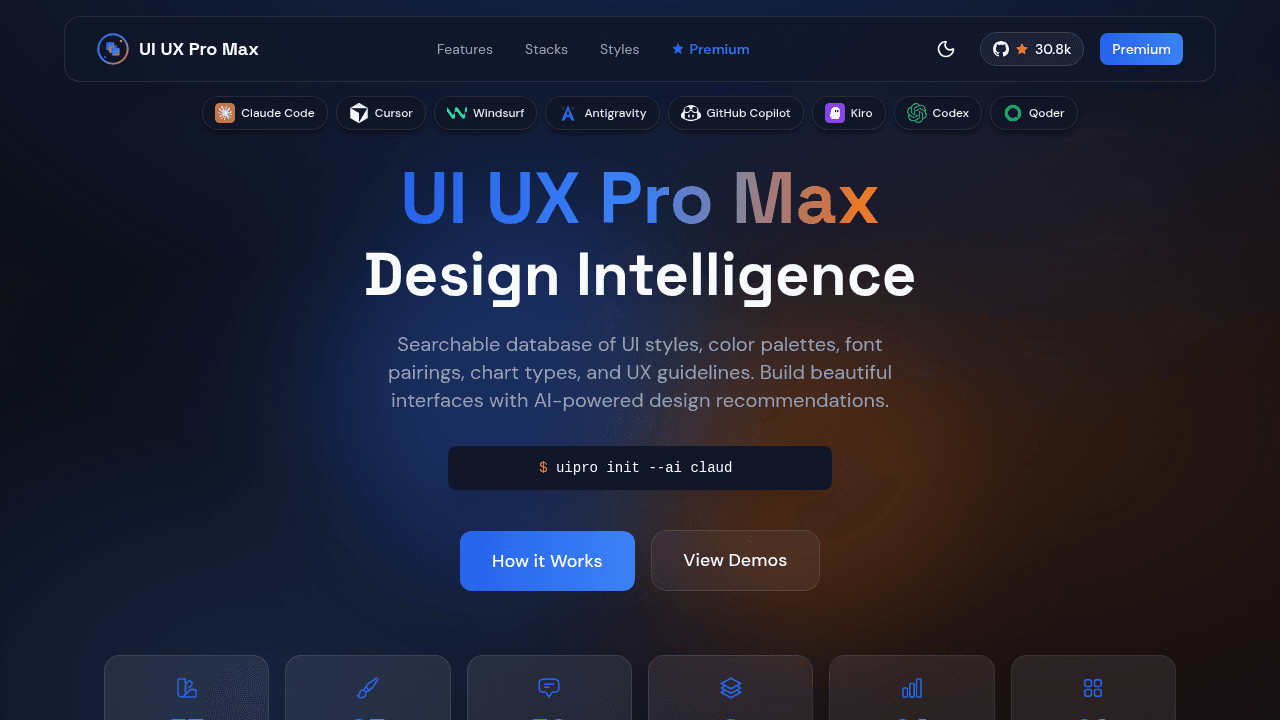
Cursor and Claude generate code at incredible speed, but every AI-built app looks identical—and often violates platform conventions. UI/UX Pro Max plugs into existing AI assistants with curated design knowledge: industry-specific styles, tested color systems, and iOS/Android UX rules that code generators don't know.
Cursor generates a complete React dashboard in thirty seconds. The components render, the state management works, the TypeScript compiles cleanly. Then you notice: every card uses the same border-radius, every color comes from the same gray-blue palette, and the typography looks identical to the last three AI-generated projects you reviewed. The code is correct. The design is generic.
AI coding assistants lack professional design standards and platform-specific UX knowledge, creating a visible sameness across AI-generated interfaces. These tools excel at code patterns—component structure, state logic, API integration—but don't know that a fintech dashboard needs different visual language than a creative portfolio, or that iOS and Android follow distinct interaction conventions. UI/UX Pro Max addresses this gap with cataloged design intelligence that sits alongside code generation tools.
The Generic AI Design Problem
Language models trained on code repositories recognize patterns: how to structure a form, implement validation, manage responsive breakpoints. They don't recognize context: why healthcare applications favor conservative color systems, or why e-commerce interfaces prioritize button visibility differently than productivity tools. Every AI-scaffolded interface defaults to neutral palettes and standard components because the underlying models optimize for code correctness, not design appropriateness.
The result is technically sound but visually indistinguishable work. React apps look like React apps regardless of their purpose. The same border treatments, spacing systems, and component hierarchies appear whether you're building financial software or a photography showcase. Platform-specific conventions get lost entirely—Android material design principles mixed with iOS patterns, or web-centric layouts applied to mobile contexts.
What Design Intelligence Looks Like
UI/UX Pro Max catalogs 67 UI styles, 96 color palettes, 56 font pairings, and 98 UX guidelines across 13 technology stacks including React, Next.js, Vue, Svelte, SwiftUI, React Native, Flutter, Tailwind, and Astro. This isn't code generation—it's curated knowledge that informs design decisions AI assistants currently make by defaulting to the most common patterns in their training data.
The v2.0 release introduced an AI-powered Design System Generator applying 100 industry-specific reasoning rules across 5 parallel search domains. Instead of asking an AI assistant to "make it look professional," developers can specify industry context and receive typography scales, color systems, and component treatments matched to that domain. The research contribution here is organizing design knowledge into structures that AI tools can reference.
Platform-Specific Knowledge AI Tools Miss
iOS users expect bottom navigation. Android users expect floating action buttons. SwiftUI favors implicit animations while React prefers explicit state transitions. Flutter's material design components follow different sizing principles than Tailwind's utility classes. Code generation doesn't capture these distinctions consistently because they're not syntax rules—they're platform conventions learned through design documentation and user testing.
A button that works in web React may violate touch-target sizing on React Native. Color contrast ratios that pass accessibility standards on desktop monitors fail on mobile screens in bright sunlight. Framework-specific patterns exist for reasons that aren't obvious from code structure alone, and LLMs trained on general repositories don't consistently apply context-dependent best practices.
Integration With Existing Workflows
The skill integrates with Claude Code, Cursor, Windsurf, and GitHub Copilot through standardized skills frameworks, positioning as infrastructure rather than replacement tooling. Developers continue using their preferred AI assistant for code generation while referencing design intelligence for styling decisions. Distribution across Skills.sh, FastMCP, Claudetory, and Qoder/Roo Code platforms makes the resource accessible regardless of which AI coding environment teams have adopted.
This approach respects the different problems each tool solves. Cursor, Copilot, and Claude handle multi-file context and architectural understanding. UI/UX Pro Max handles the design knowledge layer those platforms don't currently emphasize.
Why 30K Developers Recognized This Gap
The repository appeared in GitHub Trending Weekly #13 and gained 3.9K stars in seven days during late November 2024. That velocity suggests developers recognized the problem being addressed—they've experienced the generic AI design issue firsthand and understood the value of organized design knowledge.
The momentum reflects appreciation for cataloging work that fills a real gap and validation that design intelligence represents a missing piece in current AI coding workflows. Code generation solved speed. Design intelligence addresses appropriateness. Both matter for professional software.
nextlevelbuilder/ui-ux-pro-max-skill
An AI skill that provides design intelligence for building professional UI/UX across multiple platforms.