Playwright MCP: Browser Automation Without Screenshots
Screenshot-based browser automation is fragile and expensive. Microsoft's Playwright MCP solves this with accessibility tree snapshots that give LLMs semantic understanding of web pages. SuperAGI reports 30% faster script generation, but WSL2 performance and context window bloat remain real concerns for production deployments.
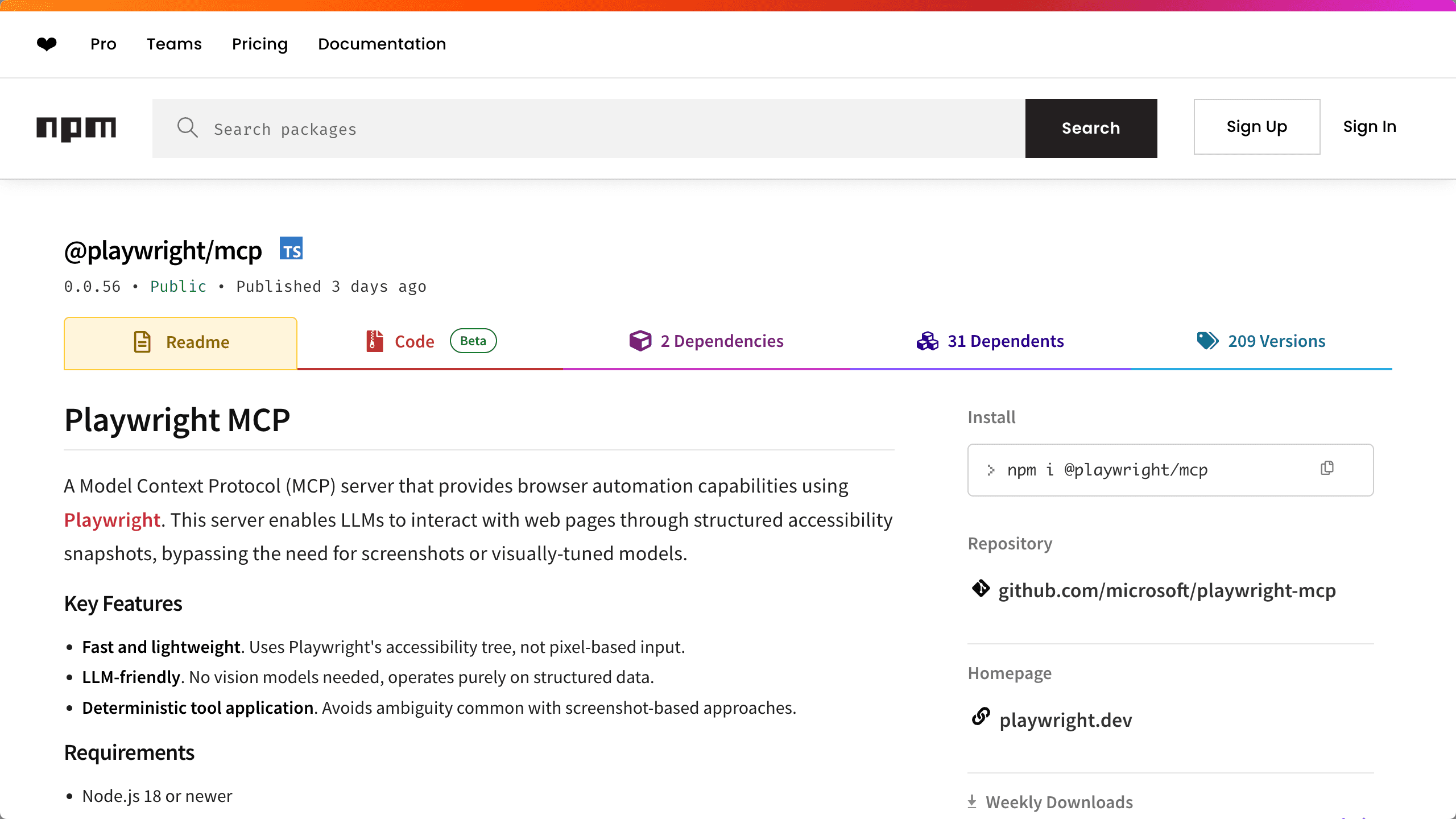
Screenshot-based browser automation breaks when a button moves three pixels left. Vision models parse pixels, guess at element boundaries, and bill you for token usage while getting it wrong. Microsoft's Playwright MCP sends LLMs the accessibility tree instead—a structured snapshot of every button, input field, and semantic element on the page.
Why Screenshot-Based Automation Breaks
Point a vision model at a login form and ask it to click "Submit." It sees pixels, edges, and color gradients. If the CSS changes or the page loads halfway, element recognition fails. Debugging means staring at screenshots, manually annotating regions, and hoping the model improves. The approach burns context windows on visual data while delivering deterministic results only when layouts stay frozen.
Accessibility trees expose the semantic structure browsers already maintain for assistive technologies. An LLM receives labeled elements—<button role="submit">, <input type="password">—with deterministic identifiers. No guesswork about pixel coordinates. No ambiguity when a button gets a new background color.
The Accessibility Tree: Structured Semantics Over Pixels
The AOM (Accessibility Object Model) tree gives LLMs structured data about interactive elements. When Playwright MCP captures a page state, it serializes the accessibility hierarchy—roles, labels, states—into a format Claude or GPT-4 can parse without hallucinating element locations. Element identification becomes a lookup operation instead of a computer vision problem.
SuperAGI reports 30% reduction in script generation time for web scraping and automated testing workflows, plus 25% increase in testing efficiency. Their agents handle inventory management and price monitoring by parsing structured accessibility data rather than analyzing screenshots. Microsoft uses the server for autonomous testing tasks where deterministic element targeting matters more than visual validation.
The Context Window Problem
Complex pages send accessibility trees large enough to blow up Claude's context window. A dashboard with hundreds of interactive elements generates token-heavy snapshots that trigger errors or rack up API costs before the agent finishes a single workflow. Users report frequent context overflows when automating basic interactions on modern web apps with heavy component libraries.
The architecture trades pixel ambiguity for semantic verbosity. On simple pages, the math works. On enterprise dashboards with nested navigation and dynamic widgets, you hit token limits before the agent reaches step three.
WSL2 Performance: The 4-Second Login Form
WSL2 deployments show sluggish performance: filling a login form takes over four seconds for operations that should complete in milliseconds. Native environments perform better, but the variance means testing your specific setup before committing production workflows. One benchmark found Playwright MCP running 83.76% slower than Selenium + Claude in certain test executions.
Playwright MCP vs. Selenium, Puppeteer, and Skyvern
Selenium's community MCP lacks official support, but its maturity and speed in simple workflows still matter. Skyvern ships production features like CAPTCHA handling and 2FA that Playwright MCP omits—if you need enterprise proxy networks or anti-bot evasion, Skyvern targets those requirements.
Playwright MCP works in regulated environments where official Microsoft backing and security posture outweigh raw speed. The accessibility tree architecture makes sense for AI-driven testing where semantic understanding beats pixel-perfect visual validation.
When to Use Playwright MCP (and When Not To)
Use it when LLMs need to understand page structure without vision models—automated testing in CI pipelines, AI agents generating Playwright scripts, scenarios where deterministic element targeting justifies token overhead. Skip it when Selenium's speed handles your use case, or when Skyvern's production hardening (proxy rotation, CAPTCHA bypass) matters more than developer-friendly architecture.
The accessibility tree approach is sound. Context window bloat and WSL2 performance are real constraints, not growing pains you can ignore. Test your deployment environment, measure token usage on representative pages, and decide whether semantic precision justifies the overhead.