Omarchy: How DHH's Endorsement Sparked a Security Debate
A pre-configured Arch Linux distribution went from solving Hyprland setup headaches to powering 37signals' entire ops team in under a year. The rapid adoption exposed a fundamental tension: the same conveniences that save hours of configuration raised flags about firewall configs, AUR trust models, and sudo practices.
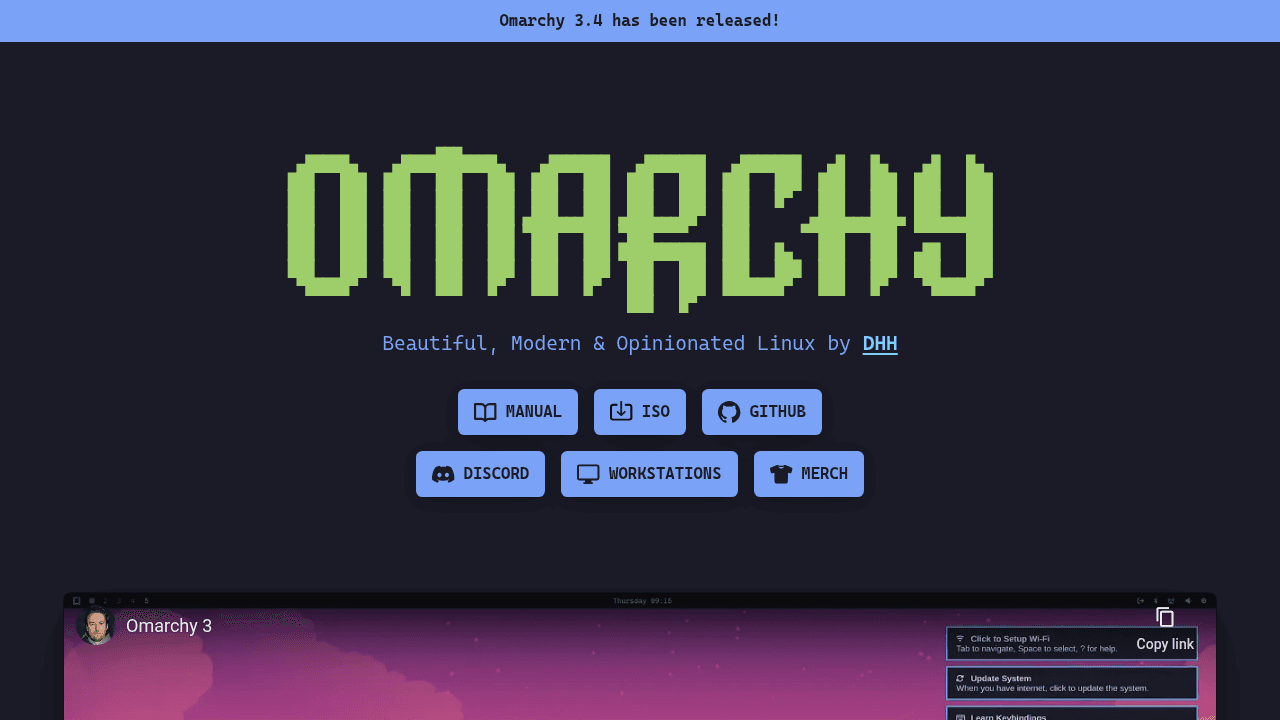
When David Heinemeier Hansson announced that 37signals would require all ops and Ruby developers to run Omarchy—a pre-configured Arch Linux distribution—over the next three years, a distro that didn't exist 18 months ago suddenly found itself powering a prominent tech company's entire development infrastructure. GitHub stars climbed past 20,000, and DHH's public endorsement brought developers who'd never touched Arch Linux into the conversation.
The visibility came with scrutiny. Security researchers flagged concerns about firewall configurations, package repository trust models, and sudo practices that anyone evaluating the distribution should understand.
From Launch to 20K Stars: The Momentum Timeline
Omarchy launched in June 2024 as an opinionated Arch Linux distribution using Hyprland, installable via a single command or ISO. The initial scope was narrow: eliminate the hours developers spend configuring Hyprland's tiling window manager, GTK/QT theming, and auxiliary applications. For teams wanting the benefits of a tiling window manager without the setup overhead, that resonated.
The distribution gained traction gradually until 37signals made their commitment public. The company's ops, SIP, and Ruby programming teams would all standardize on Omarchy. DHH's influence in the Rails community brought visibility—and newcomers transitioning from macOS or Windows—into what had been a niche project.
What Omarchy Solves
Arch Linux with Hyprland offers powerful customization, but the initial setup carries a significant time tax. A clean Hyprland installation requires configuring window manager behavior, establishing consistent theming across GTK and QT applications, handling display scaling across multiple monitors, and integrating dozens of auxiliary tools for basic desktop functionality.
Omarchy's approach: provide a curated, pre-configured environment that works out of the box. The distribution handles the integration work, letting teams focus on their actual work rather than desktop customization. For organizations standardizing their development environments, that hours-saved calculation matters at scale.
The Security Concerns
The community response surfaced technical issues worth understanding. Security researchers documented that Omarchy's firewall was non-functional through version 3.1.0, leaving systems exposed during initial deployment. The distribution also drew criticism for relying on sudo rather than doas, and for password retry limits that some consider too permissive.
The bigger concern for security-conscious users: Omarchy enables the chaotic-aur repository with automated package installation flags, creating what auditors identified as a potential supply chain attack vector through unvetted AUR packages. These aren't hypothetical—they represent real differences in how the distribution balances convenience against security hardening.
The Omarchy maintainers have addressed some issues in subsequent releases, but the concerns highlight questions every distribution must answer: Which defaults serve the target audience? Where does responsibility for security configuration lie?
The Convenience-Security Spectrum
This tension isn't unique to Omarchy. Ubuntu ships with a firewall disabled by default, trusting users to enable it based on their threat model. Fedora makes different choices than Debian. NixOS prioritizes reproducibility over simplicity. Every distribution navigates the spectrum between "works out of the box" and "maximally hardened," optimizing for different users with different priorities.
For 37signals, deploying to a controlled corporate environment with network-level security, the trade-offs might be acceptable. For individual developers on coffee shop WiFi, the calculation changes. Neither approach is universally correct—context determines risk tolerance.
What This Means for Teams Evaluating Desktop Linux
When evaluating any Linux desktop environment, teams should audit default firewall states, understand which package repositories are trusted by default and how, review sudo or privilege escalation configurations, and assess whether the distribution's security model matches their threat environment.
Early users help projects iterate quickly and discover real-world pain points. Security auditors identify issues before they become incidents. The debate happening around Omarchy—builders solving problems, researchers identifying risks, teams evaluating trade-offs—is the open source ecosystem working as designed.