llmfit: Know What LLMs Your GPU Can Actually Run
A 7B parameter model might be 4GB or 14GB depending on quantization. llmfit cuts through this confusion by detecting your actual hardware—NVIDIA, AMD, Intel Arc, Apple Silicon, or Ascend—and telling you exactly which models will run. One command, clear answers.
You have 8GB of VRAM. Can you run Llama 2 13B? What about Mistral 7B? The answer isn't straightforward. A "7B parameter model" could occupy 4GB or 14GB depending on quantization format. Add context length, batch size, and memory overhead, and manual calculation becomes near impossible for anyone new to local LLM deployment.
llmfit solves this with a single command. Point it at your hardware, and it tells you which models will fit.
The GB Confusion: Why Model Size Doesn't Tell You Enough
The file size you see on Hugging Face tells part of the story. A 7B model quantized to Q4 (4-bit precision) might be 3.8GB on disk, while the same model in FP16 (16-bit floating point) balloons to 14GB. Factor in context length—2048 tokens versus 8192 tokens—and memory requirements shift again. KV cache, batch processing, and framework overhead add unpredictable amounts on top.
For developers entering the local LLM space, this creates a guessing game. You download a model, attempt to load it, hit an out-of-memory error, then repeat with smaller variants until something works. llmfit addresses this by automating the hardware detection and compatibility check that most newcomers don't know how to perform manually.
What llmfit Actually Does
llmfit is a utility tool, not a runtime. It detects your available hardware—RAM, CPU cores, and GPUs across NVIDIA, AMD, Intel Arc, Apple Silicon, and Ascend—then cross-references that against a database of model requirements. The output is a filtered list of compatible models with their quantization formats and expected memory footprints.
The workflow: run llmfit to discover what fits your system, then use llama.cpp, llamafile, or similar tools to execute the model. It doesn't replace those runtimes; it helps you choose before you download 50GB of model weights that won't load.
The GitHub README covers hardware breadth—supporting not just NVIDIA but also AMD ROCm, Intel's Arc GPUs, and Apple's Metal framework. For users with non-NVIDIA hardware, this broad compatibility matters, since most LLM documentation assumes CUDA by default.
Why This Resonated (24k Stars in Weeks)
llmfit hit 10k stars within its first week and has continued climbing. The momentum reflects how common this pain point is. r/LocalLLM recommends the tool for users asking "what can my hardware run?"—a question that appears in that community daily. The project inspired a web-based version for quick compatibility checks without installing anything.
The maintainer, Principal Engineer at AWS Alex Jones, brings infrastructure experience to a tool that performs resource planning. The adoption suggests the local LLM community lacked a focused solution for this step in the workflow.
With open issues still being addressed—around edge cases in hardware detection and Windows compatibility—the project is working through typical growing pains for a repository scaling this fast. The core functionality already works for the majority use case: figuring out if your hardware can handle a given model before you commit to the download.
How It Fits the Local LLM Workflow
llmfit occupies a specific niche alongside tools like llama.cpp, llamafile, and llmBench. Those tools handle model execution and benchmarking; llmfit handles the decision layer before execution. It does one thing well.
For developers exploring local LLM deployment, the value is clear: stop guessing which models will fit, and start with data about your hardware constraints. The GB number on a model card doesn't tell you enough. llmfit fills that gap.
AlexsJones/llmfit
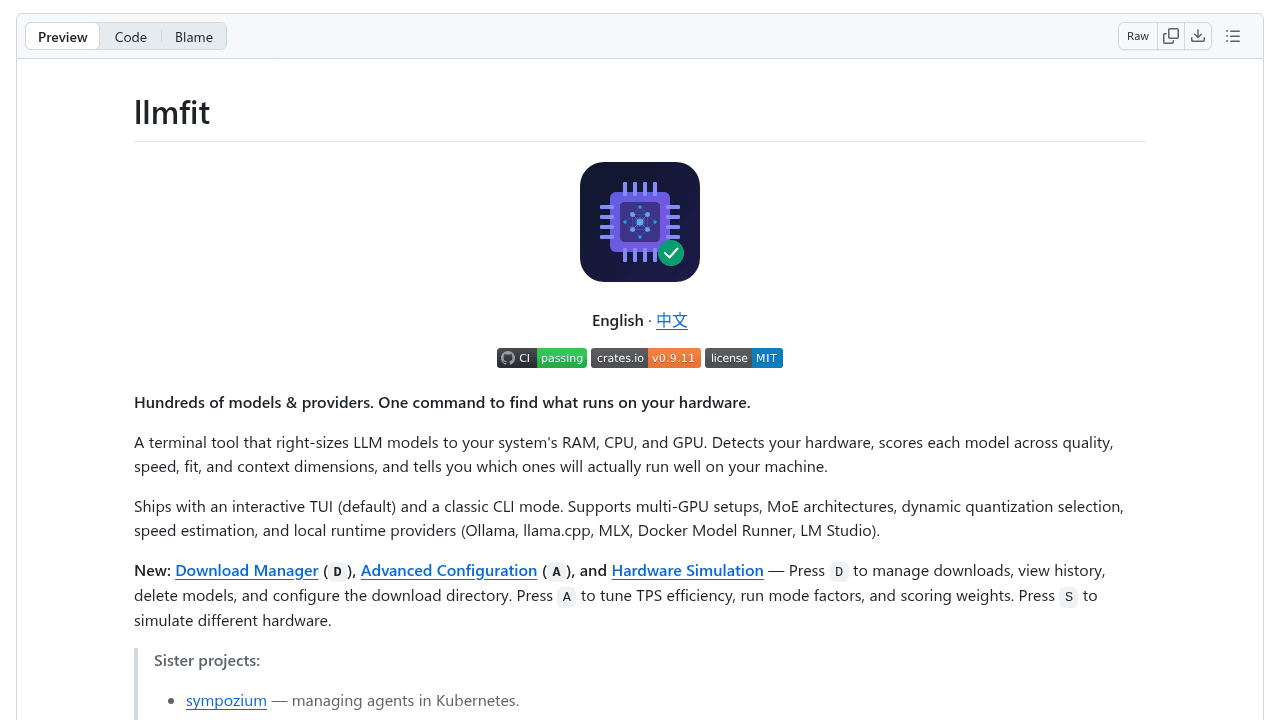
Hundreds of models & providers. One command to find what runs on your hardware.