71x Fewer Tokens: AI Coding With Knowledge Graphs
AI coding assistants burn $2-6 per session re-reading entire codebases for context. Graphify solves this by building a local knowledge graph that remembers your project structure—code, docs, images, and all—delivering 71.5x token reduction on real-world repos.
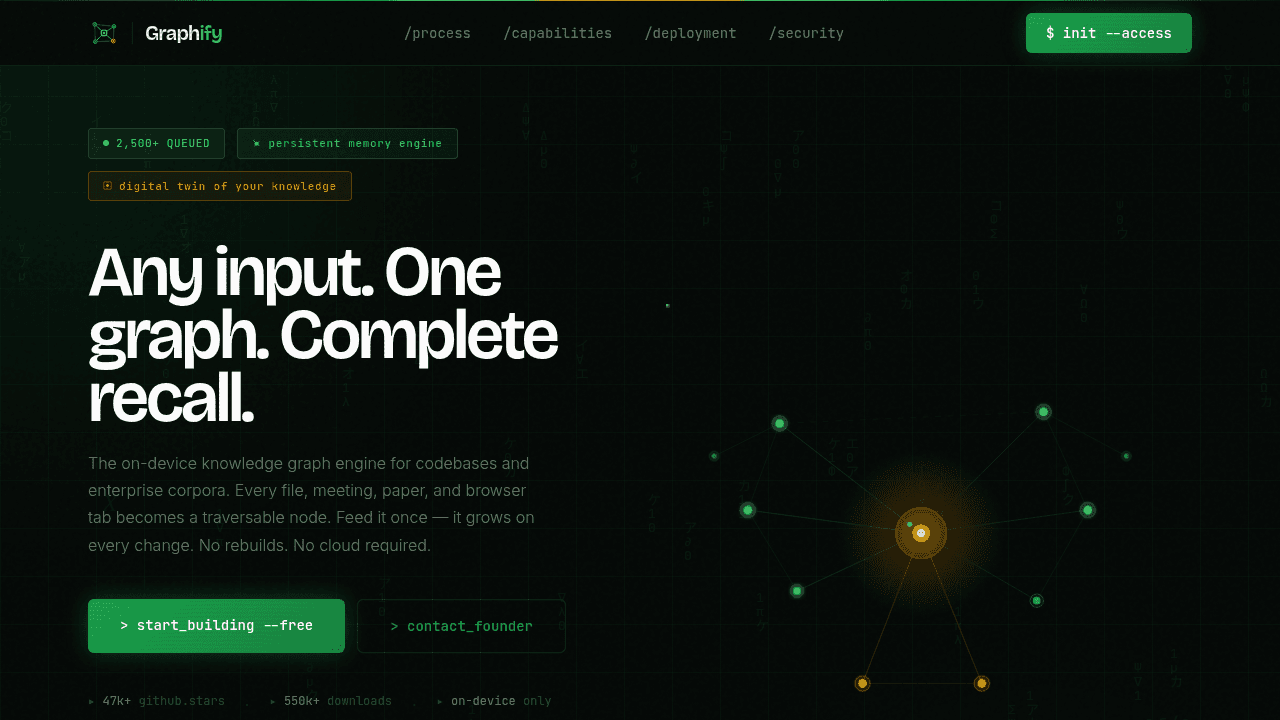
AI coding sessions burn $2-6 in tokens because your assistant re-reads the entire codebase for every query. Graphify tackles this by building a persistent knowledge graph that remembers your project structure—dropping token usage to a fraction of what Claude or Cursor normally consume.
The $6 Problem: Why AI Assistants Waste Tokens
AI coding tools are stateless by design. When you ask Claude to debug a function, it doesn't remember what it learned about your codebase five minutes ago. It re-reads raw files on every query, burning input tokens at rates that add up. Sessions on larger projects easily hit $6 in API costs, most of it spent reloading context the assistant already saw.
The problem gets worse when projects grow beyond pure code. Modern repositories are mixes of documentation, research papers, diagrams, screenshots, and whiteboard photos—content that grep can't parse and standard tooling struggles to navigate.
How Graphify Cuts Token Usage by 71x
Instead of feeding raw files to your AI assistant, Graphify indexes your project into a knowledge graph. Code relationships, documentation references, and visual content get mapped as nodes and edges. When you query the graph, it returns only the context you need—no redundant file re-reading.
Benchmarks on a 52-file corpus of Karpathy repos, papers, and images show 71.5x fewer tokens per query. Graph topology makes this work: asking about a specific module pulls only connected nodes, not the entire tree.
Beyond Code: Handling Messy, Multimodal Projects
The tool works best when projects involve more than just .py files. Research labs working with papers and experiment logs, teams documenting features with screenshots, developers annotating code with hand-drawn diagrams—all of this gets indexed into the same queryable structure.
Qiwoo uses Graphify for their annual company events, where planning materials span spreadsheets, images, and notes. The graph handles multimodal content that would require manual stitching across tools.
The Karpathy Connection: From Tweet to Tool
The project originated from Andrej Karpathy's suggestion that someone should build a tool for turning raw folders of papers, tweets, screenshots, and notes into persistent knowledge graphs. That tweet validated a real pain point—researchers and developers both struggle with unstructured knowledge bases that AI assistants can't parse efficiently.
Graphify's implementation delivers on that concept, treating the graph as a first-class data structure rather than a visualization layer.
Input vs Output: How Graphify Differs From Caveman
Caveman reduces output tokens by shortening AI responses, filtering out verbosity while keeping answers accurate. Graphify targets the opposite end: input tokens. Both address AI coding costs from different angles.
Caveman suits developers who want terser responses. Graphify fits teams wrestling with large context windows. The token cost problem has multiple surfaces to attack.
Real-World Limitations: The GitHub Performance Issue
Open GitHub issues request performance improvements for larger codebases. This is standard for a project being tested at scale. Users are pushing Graphify against repos large enough to surface performance questions, which shows genuine adoption, not polished demo-ware.
The issue tracker reflects feedback from developers using Graphify in production contexts, which is where tools mature.
The Graph vs Deterministic Debate
Some developers argue that Graphify relies on "inferred" context rather than deterministic structure, making it less reliable than tools that parse code with static analysis. This is a technical tradeoff: graph-based approaches offer flexibility with multimodal content, while deterministic parsers provide stricter guarantees.
Graphify's design choice prioritizes handling messy, real-world projects over strict formalism. For teams dealing with mixed content types—code plus documentation plus diagrams—that flexibility matters more than perfect determinism.
Who Should Use Graphify Right Now
Developers on projects with high AI assistant token costs will see value. If your sessions regularly burn $5+ in context loading, or if your codebase includes non-code materials that assistants struggle to parse, the token reduction pays for itself.
The tool is still finding its footing on very large repositories, so teams with massive monorepos should monitor the performance issue. For mid-sized projects with multimodal content, Graphify addresses a pain point that few other tools attempt to solve.
safishamsi/graphify
AI coding assistant skill (Claude Code, Codex, OpenCode, Cursor, Gemini CLI, and more). Turn any folder of code, SQL schemas, R scripts, shell scripts, docs, papers, images, or videos into a queryable knowledge graph. App code + database schema + infrastructure in one graph.