Browser-Use Hit 74k Stars in 2 Months. Here's Why.
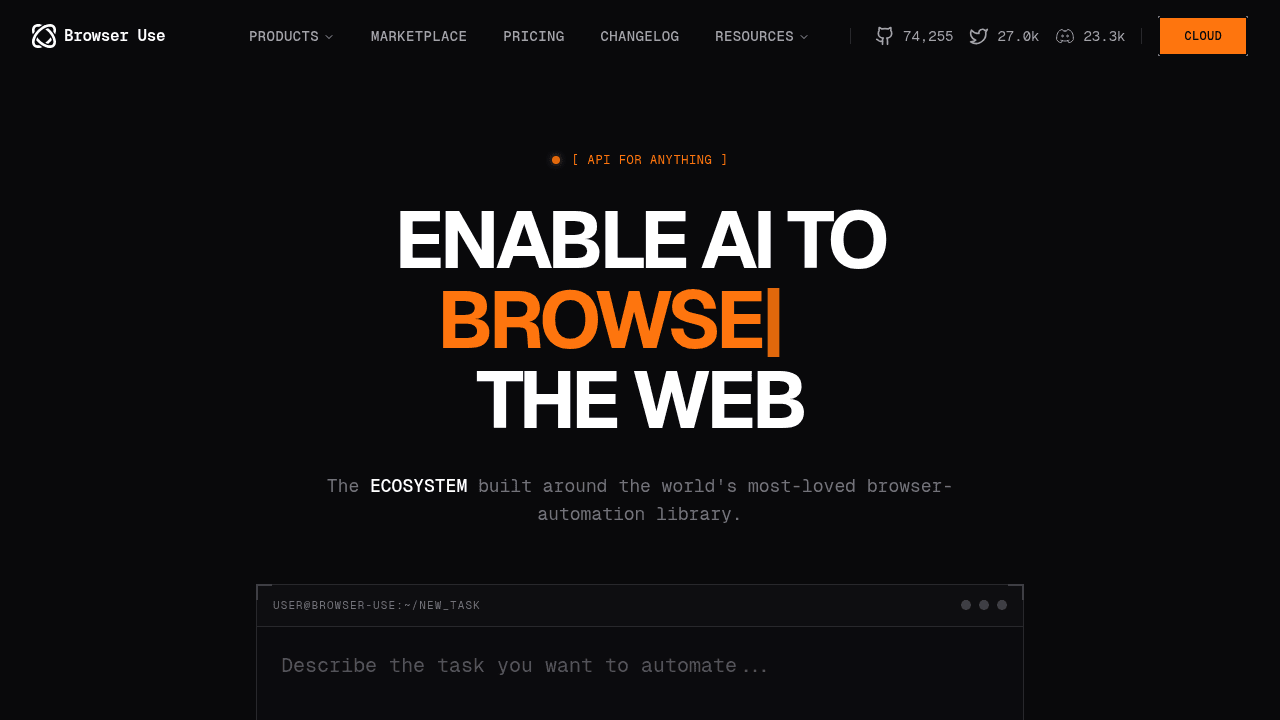
Browser-Use grabbed 74,000 GitHub stars in two months by giving developers free, reliable browser automation that works with LLMs—no vendor lock-in, no Selenium nightmares. The YC W25 project's DOM-mapping approach is simple enough that competitors are already copying it, and it's competing head-to-head with OpenAI's Operator and Anthropic's browser features.
Browser automation has always meant maintenance hell. You write a Selenium script, hardcode some XPath selectors, and watch it break the moment a designer moves a button. Developers tolerated this for end-to-end testing because there was no alternative. But when you need an LLM agent to navigate a website, fill forms, and scrape data, brittle selectors don't cut it.
Browser-Use solves this by giving agents a structured map of the page. Instead of hunting for CSS classes or pixel coordinates, it extracts a DOM tree with interactive elements already tagged—buttons, inputs, links—and hands that to the LLM. The agent operates in natural language: "click the login button," "fill this form," "navigate to the next page." No manual DevTools inspection. No script rewrites when the UI changes.
The 21-Line Agent
The implementation is straightforward enough that YouTube tutorials show developers building functional agents in about 21 lines of code. You initialize a Playwright browser, pass it to Browser-Use, and the library handles the DOM mapping. Demonstrations show agents booking flights, searching jobs, scraping GitHub profiles—tasks that normally require custom scripts for each site.
This matters because LLM agents need to interact with real websites, not just APIs. Browser-Use's approach treats the browser as a tool for the agent, interpreting high-level tasks into navigation and actions. The difference is telling an agent "extract this data" versus manually writing scraper code for every site's structure.
Timing and Velocity
Browser-Use launched from Y Combinator's W25 batch and accumulated 74,000 GitHub stars while OpenAI and Anthropic were rolling out proprietary browser-control features. Operator and Claude's computer use are vendor-locked, paid services. Browser-Use gave developers the same capability for free, built on Playwright.
The project now includes a Node SDK for TypeScript applications and a web UI for running agents directly in the browser. The expansion happened in weeks, not quarters—standard open-source velocity when a tool solves a real problem.
Production Use
Developers aren't just starring the repo. Practical guides show Browser-Use agents performing navigation, form submissions, and downloads in production workflows. Tutorials demonstrate booking flights, comparing products, and handling multi-step flows—automation that previously required dedicated Selenium scripts for each use case.
The Node SDK example code fetches top Hacker News posts. The web UI lets non-developers run agents through a browser interface. This is shipping automation.
The Imitation Problem
When competitors start copying your technique two months in, you're onto something. An HN discussion about a Chrome side-panel web agent explicitly recommends examining Browser-Use's buildDOMTree.js for converting the DOM to an LLM-parsable format. Other projects cite Browser-Use and Playwright MCP as inspirations, adapting the DOM-mapping strategy for their own tools.
The same thread surfaced a security concern: browser agents with this much autonomy can be abused by malicious sites to drain accounts in the background. That's a design challenge for the entire agentic-browser space, not unique to Browser-Use. The industry will need guardrails—user confirmation for sensitive actions, sandboxing, permission models—but the capability is already proven.
What Changed
Browser-Use represents a shift from script-based automation to agentic, LLM-native control. Playwright and Selenium are testing frameworks. Browser-Use bridges the gap between LangChain and Playwright, treating the browser as an agent's tool instead of a script canvas.
The fact that it's open source and community-driven means developers get browser automation without vendor lock-in, and they're building on it faster than proprietary alternatives can iterate.
browser-use/browser-use
🌐 Make websites accessible for AI agents. Automate tasks online with ease.